QR Code Generator
Free QR code generator and QR code maker. Create QR codes for URL, WiFi, and contacts — use this qrcode generator with logo, colors, and PNG or SVG download. Runs in your browser.
Free to use
No account required
Stays on your device
Nothing uploaded
Content
What should the QR code contain?
Style & options
Colors, size, module shapes, and logo
Colors
Size & quality
ECC → H
px
Module style
Center logo
PNG · JPG · WEBP · SVG · max 2 MBDrop your logo here
or browse files
Preparing your logo…
Optimizing size so the QR preview stays fast and responsive.
How to create a QR code online
-
1
Choose a QR type
Pick URL, Text, WiFi, Email, Phone, SMS, or vCard depending on what you want the code to open or share.
-
2
Enter your content
Fill in the fields for that type — for example a link, WiFi network name and password, or contact details.
-
3
Style the QR code
Adjust colors, size, error correction, dot styles, and optionally embed a logo. The preview updates in your browser.
-
4
Download PNG or SVG
Create QR code files for images, slides, or print. Export PNG or SVG — nothing is uploaded to a server.
Free QR code generator — create QR codes online
Looking for a QR code generator that stays private? This free QR code generator is a full QR code maker for links, WiFi, contacts, and more. Whether you search for qrcode generator or QR code generator, you can create QR code files in your browser and download PNG or SVG with no account and no watermark.
QR code generator with logo
Need a QR code generator with logo? Upload your brand mark, tune logo size and margin, and pick a higher error-correction level so scanners still read the code. Style modules with custom foreground and background colors, rounded dots, corner shapes, or a transparent background for overlays.
WiFi, vCard, and more QR types
Use WiFi mode to encode network name, password, and security so guests can join without typing. Also create URL, text, email, phone, SMS, and vCard contact codes from the same QR code maker — a practical way to create QR code assets for print, packaging, and digital campaigns.
PNG and SVG downloads
Export PNG for social posts and slides, or SVG for print and design tools. This free QR code generator keeps generation on your device — your links, WiFi passwords, and logos are not uploaded to ImgTask servers.
Frequently asked questions
What is a QR code generator?
A QR code generator turns text or structured data (URL, WiFi, contact card, and more) into a scannable square barcode. This free tool builds the code in your browser.
Is this a free QR code generator?
Yes. Create QR code files with no signup, watermark, or software install. Download PNG or SVG at no cost.
How do I create a QR code online?
Choose a type (URL, WiFi, text, and more), enter your content, customize colors or add a logo, then download. This QR code maker runs in your browser.
Can I use this as a QR code generator with logo?
Yes. Upload a logo to the center of your code. Use error correction Q or H so scanners still read the code.
Can I download QR codes as PNG and SVG?
Yes. Download PNG for web and social posts, or SVG for print and vector editing.
How do WiFi QR codes work?
Choose the WiFi type, enter the network name (SSID), password, and security (WPA/WPA2, WEP, or open). Scanning connects phones to that network without typing the password.
Where is generation processed?
Generation runs in your browser. Your content and logo stay on your device — nothing is uploaded to ImgTask servers for this tool.
Will the QR code be watermarked?
No. ImgTask does not add watermarks to generated QR codes.
More Tools
Every tool is free, private and runs in seconds.
Image Tools
49
Compress Image
JPEG · PNG · WEBP · GIF · BMP · TIFF · AVIF · HEIC
Resize Image
Exact px or %
Blur Image
Gaussian & motion
Convert to JPG
JPGConvert to PNG
PNGConvert to WEBP
WEBPConvert to AVIF
AVIFConvert to TIFF
TIFFConvert to GIF
GIFFavicon / ICO
PDF Tools
12
Compress PDF
Shrink for email & web
Merge PDF
Combine multiple files
Image to PDF
Images → single PDF
PDF to Image
Extract as PNG/JPG
PDF to PowerPoint
Pages → PPTX slides
JPG to PDF
Photos → PDF pages
Word to PDF
DOCX → PDF
Excel to PDF
XLSX → PDF table
HTML to PDF
Web page file → PDF
PDF to JPG
Pages → JPEG
PDF to Word
Extract text to DOCX
PDF to Excel
Tables → XLSX
Blog
Guides and tips from the blog
Short, practical articles to get more out of ImgTask and your image or PDF workflow.
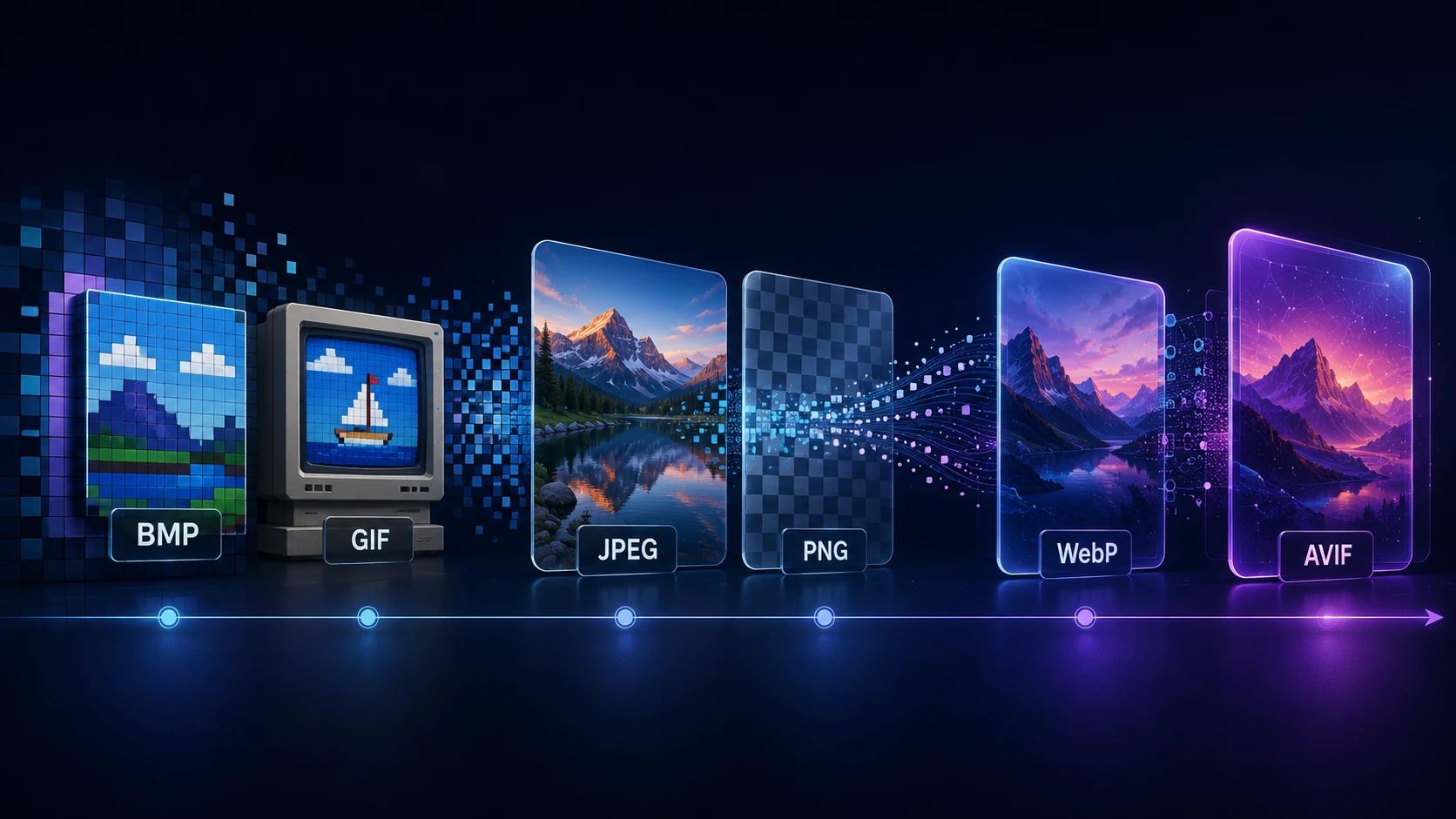
A Brief History of Digital Image Formats: From BMP and GIF to WebP and AVIF
Dinitha Ransidu 12 min read