HEIC to PNG Converter
Turn iPhone HEIC photos into PNG for editors and design tools. No account required.
Free to use
No account required
Stays on your device
Nothing uploaded
What this converter does
PNG is a common interchange format for editing, design, and publishing tools. Converting HEIC to PNG creates a widely readable raster file from an iPhone photo without adding JPEG-style compression. It cannot restore detail already discarded when the HEIC was created.
Choose HEIC to PNG when a design, editing, or publishing tool prefers lossless PNG over JPEG.
Related tools: HEIC to JPG · HEIC to WEBP
How to convert HEIC to PNG
- Upload your HEIC file. Drop one or more .heic or .heif photos into the upload area (max 200 MB each). A preview is generated in the browser so you can confirm the photo.
- PNG is lossless output. PNG encoding in this tool is lossless, so there is no quality slider. The PNG stores the decoded pixels. It cannot restore detail already discarded by a lossy source.
- Convert to PNG. Press Convert to PNG. Processing runs in your browser — the file is not uploaded to ImgTask's server.
- Download the result. Download the converted PNG file when it is ready. Conversion stayed on your device.
HEIC to PNG for editing and compatibility
Apple devices use HEIC to keep photo files compact, but some editors, publishing systems, and upload forms still cannot open them. This converter turns HEIC to PNG, a widely supported format suited to image editing and design tools.
PNG uses lossless compression, so conversion does not add a new JPEG-style quality loss. It does not improve the source or recover detail already absent from the HEIC.
When to turn HEIC to PNG
- Editing and design — PNG is accepted by virtually every editor, presentation app, and publishing tool.
- Lossless intermediate files — avoid adding a JPEG compression stage before further edits.
- For smaller, widely compatible photos, use HEIC to JPG instead.
Formats, limits, and privacy
Upload limit: 200 MB per image, up to 20 files at once. Images above about 100 megapixels may fail in the browser. Conversion re-encodes pixels and strips EXIF, GPS, XMP, ICC, and DPI metadata; orientation is applied visually first.
Limitations: PNG files are usually much larger than HEIC. Conversion avoids a new lossy JPEG stage, but cannot restore detail already absent from the HEIC source, and Apple-specific features may not carry over.
Privacy: Your image is processed locally in your browser and is not uploaded to ImgTask's server. Image files never leave your device. No account is needed and results carry no watermark.
More Tools
Every tool is free, private and runs in seconds.
Image Tools
48
Compress Image
JPEG · PNG · WEBP · GIF · BMP · TIFF · AVIF · HEIC
Resize Image
Exact px or %
Blur Image
Gaussian & motion
Convert to JPG
JPGConvert to PNG
PNGConvert to WEBP
WEBPConvert to AVIF
AVIFConvert to TIFF
TIFFConvert to GIF
GIFFavicon / ICO
PDF Tools
12
Compress PDF
Shrink for email & web
Merge PDF
Combine multiple files
Image to PDF
Images → single PDF
PDF to Image
Extract as PNG/JPG
PDF to PowerPoint
Pages → PPTX slides
JPG to PDF
Photos → PDF pages
Word to PDF
DOCX → PDF
Excel to PDF
XLSX → PDF table
HTML to PDF
Web page file → PDF
PDF to JPG
Pages → JPEG
PDF to Word
Extract text to DOCX
PDF to Excel
Tables → XLSX
Frequently Asked Questions
Upload a .heic or .heif photo, click Convert to PNG, and download the result.
PNG does not add another lossy compression stage, so it stores the decoded pixels. It cannot restore detail already discarded when the original HEIC was created, and Apple-specific features may not transfer.
You can export one HEIC as PNG with Preview on a Mac. For a quick browser option or several files, upload them here and download the converted PNG files.
Choose PNG for editing, screenshots, design assets, or tools that require lossless PNG input. Choose JPG for everyday photos when a smaller file matters more.
Usually yes. HEIC uses efficient compression, while PNG stores photographic pixels losslessly and can be several times larger.
You can convert images up to 200 MB each, and up to 20 files at once. Very large pixel dimensions may still fail in the browser even when the file is under the upload limit.
Conversion runs in your browser. Your image is processed locally in your browser and is not uploaded to ImgTask's server. Image files never leave your device. If the browser cannot process the file, you will see an error and nothing is uploaded.
No. Conversion re-encodes pixels and strips EXIF, GPS, XMP, ICC, and DPI metadata. EXIF orientation is applied visually first so portrait photos stay upright. Live Photos, depth maps, and similar extras are not stored in the output.
PNG can keep an alpha channel when the source has one. Conversion cannot invent transparency that is not in the source pixels.
Blog
Guides and tips from the blog
Short, practical articles to get more out of ImgTask and your image or PDF workflow.
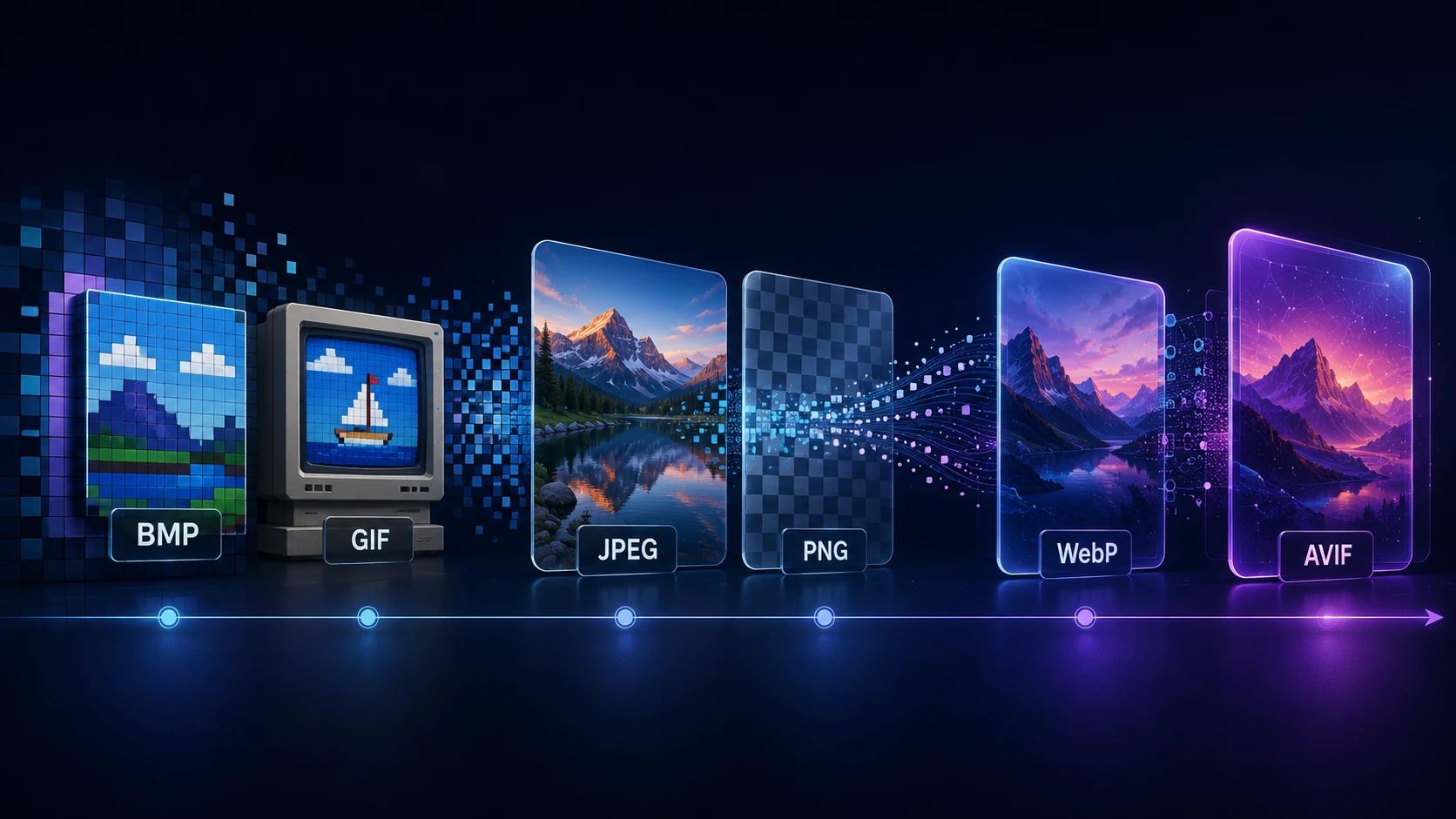
A Brief History of Digital Image Formats: From BMP and GIF to WebP and AVIF
Dinitha Ransidu 12 min read