JPG to WEBP Converter
Convert JPEG photos to WEBP in your browser. Adjust quality, then download. No account required.
Free to use
No account required
Stays on your device
Nothing uploaded
What this converter does
WEBP can produce smaller files than JPEG at similar visual quality for many photos, but not every image shrinks. Browser and CMS support is strong on modern platforms; some older systems still prefer JPEG. This is a lossy re-encode of an already compressed JPEG, so it cannot restore original camera detail.
Convert JPEG to WEBP when optimizing images for faster-loading web pages that accept WEBP. Keep a JPEG copy when a printer, form, or older app still requires it.
Related tools: WEBP to JPG · PNG to WEBP · JPG to AVIF
How to convert JPEG to WEBP
- Upload your JPEG file. Drop a JPG or JPEG file into the upload area, or select several images at once (max 200 MB each).
- Set WEBP quality. This converter encodes lossy WEBP. The quality slider (default 90%) controls compression. Lower values usually mean a smaller file. It does not restore quality already lost in the source.
- Convert to WEBP. Press Convert to WEBP. Processing runs in your browser — the file is not uploaded to ImgTask's server.
- Download the result. Download the converted WEBP file when it is ready. Conversion stayed on your device.
JPG to WEBP — what changes
This converter re-encodes your JPEG as a WEBP file. For many photos the result is smaller at a similar looking quality, which helps websites load faster. JPG and JPEG are the same format — upload either extension.
Because the source is already lossy, this is lossy-to-lossy recompression. Keep quality high when the photo will be cropped or edited later, and compare the preview before replacing production assets.
When to convert JPG to WEBP
- Faster pages — replace heavy JPEGs with WEBP assets on sites and CDNs that accept the format.
- CMS and e-commerce — many modern platforms serve WEBP or accept WEBP uploads.
- Keep JPEG when a recipient, printer, or form cannot open WEBP.
Formats, limits, and privacy
Upload limit: 200 MB per image, up to 20 files at once. Images above about 100 megapixels may fail in the browser. Conversion re-encodes pixels and strips EXIF, GPS, XMP, ICC, and DPI metadata; orientation is applied visually first.
Limitations: Quality settings affect size and detail. Confirm your destination supports WEBP before replacing all JPEG assets. Re-encoding JPEG to WEBP can add another compression stage.
Privacy: Your image is processed locally in your browser and is not uploaded to ImgTask's server. Image files never leave your device. No account is needed and results carry no watermark.
More Tools
Every tool is free, private and runs in seconds.
Image Tools
48
Compress Image
JPEG · PNG · WEBP · GIF · BMP · TIFF · AVIF · HEIC
Resize Image
Exact px or %
Blur Image
Gaussian & motion
Convert to JPG
JPGConvert to PNG
PNGConvert to WEBP
WEBPConvert to AVIF
AVIFConvert to TIFF
TIFFConvert to GIF
GIFFavicon / ICO
PDF Tools
12
Compress PDF
Shrink for email & web
Merge PDF
Combine multiple files
Image to PDF
Images → single PDF
PDF to Image
Extract as PNG/JPG
PDF to PowerPoint
Pages → PPTX slides
JPG to PDF
Photos → PDF pages
Word to PDF
DOCX → PDF
Excel to PDF
XLSX → PDF table
HTML to PDF
Web page file → PDF
PDF to JPG
Pages → JPEG
PDF to Word
Extract text to DOCX
PDF to Excel
Tables → XLSX
Frequently Asked Questions
Upload your JPEG on this page, adjust quality if you want, click Convert to WEBP, then download the result.
Yes. Select multiple JPG/JPEG files in the uploader. Each image is converted as its own job.
WEBP often produces smaller files than JPEG at similar looking quality, which helps pages load faster. Compare the result; some photos barely shrink.
Modern browsers and most CMSs support WEBP. Some older apps, printers, or workflows still expect JPEG — use WEBP to JPG if you need to go back.
No. The WEBP is a new encoding of the current pixels. It cannot recover detail already lost to JPEG compression.
You can convert images up to 200 MB each, and up to 20 files at once. Very large pixel dimensions may still fail in the browser even when the file is under the upload limit.
Conversion runs in your browser. Your image is processed locally in your browser and is not uploaded to ImgTask's server. Image files never leave your device. If the browser cannot process the file, you will see an error and nothing is uploaded.
No. Conversion re-encodes pixels and strips EXIF, GPS, XMP, ICC, and DPI metadata. EXIF orientation is applied visually first so portrait photos stay upright. Live Photos, depth maps, and similar extras are not stored in the output.
Animation is not preserved. Animated GIFs (and animated WEBP/AVIF when the browser decodes only a still) use the first frame.
JPEG has no alpha channel, so the WEBP will be opaque. Transparency is not created during conversion.
Blog
Guides and tips from the blog
Short, practical articles to get more out of ImgTask and your image or PDF workflow.
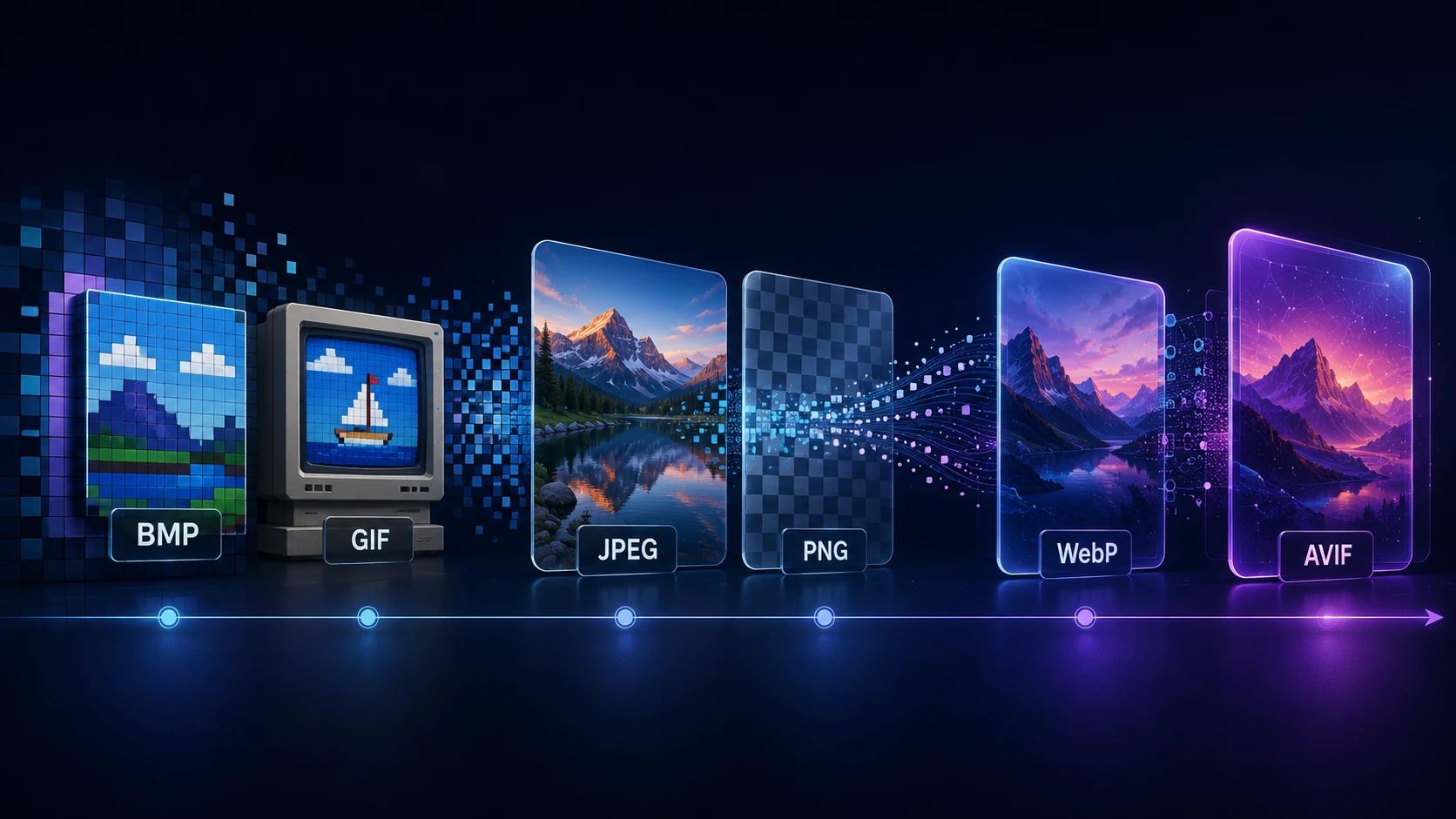
A Brief History of Digital Image Formats: From BMP and GIF to WebP and AVIF
Dinitha Ransidu 12 min read