
HTML to PDF Converter
HTML to PDF converter free online. Convert a local .html file to PDF in your browser — no account required.
Free to use
No account required
Secure processing
Discarded after download
HTML to PDF converter — what you get
This HTML to PDF converter captures your HTML file as pages in a PDF. External URLs, scripts, and some CSS may not render.
Use it for saved web pages, invoices, or simple reports you already have as HTML.
Related tools: Word to PDF
How to convert HTML to PDF
- Upload HTML. Drop a .html or .htm file (max 2 MB).
- Set page size. Pick A4 or Letter, plus portrait or landscape.
- Convert. Press Convert HTML to PDF. Conversion stays in your browser.
- Download. Download the PDF. Nothing was uploaded.
HTML to PDF without a server
The file is rendered on your device. Save a page from your browser first if you need a website snapshot.
Formats, limits, and privacy
Accepted upload: HTML. Maximum size: 2 MB. Output: PDF.
Limitations: Upload a .html file (not a live URL). JavaScript is not executed. Cross-origin images may be missing. Very large HTML can be slow.
Privacy: Your file is processed locally in your browser and is not uploaded to ImgTask's server. The file never leaves your device. No account is needed and results carry no watermark.
More Tools
Every tool is free, private and runs in seconds.
Image Tools
49
Compress Image
JPEG · PNG · WEBP · GIF · BMP · TIFF · AVIF · HEIC
Resize Image
Exact px or %
Blur Image
Gaussian & motion
Convert to JPG
JPGConvert to PNG
PNGConvert to WEBP
WEBPConvert to AVIF
AVIFConvert to TIFF
TIFFConvert to GIF
GIFFavicon / ICO
PDF Tools
11
Compress PDF
Shrink for email & web
Merge PDF
Combine multiple files
Image to PDF
Images → single PDF
PDF to Image
Extract as PNG/JPG
PDF to PowerPoint
Pages → PPTX slides
JPG to PDF
Photos → PDF pages
Word to PDF
DOCX → PDF
Excel to PDF
XLSX → PDF table
PDF to JPG
Pages → JPEG
PDF to Word
Extract text to DOCX
PDF to Excel
Tables → XLSX
Frequently Asked Questions
Upload the file, choose any options, click convert, then download the result. This HTML to PDF converter runs in your browser and needs no account.
Yes. No signup, no watermark, and no software to install. Upload limits still apply.
Yes. The file is not uploaded to ImgTask's server, so it never leaves your device.
Upload a saved HTML file. Live website URLs are not fetched, so there is no server-side crawl.
No. Use this HTML to PDF converter free without signing up.
Blog
Guides and tips from the blog
Short, practical articles to get more out of ImgTask and your image or PDF workflow.
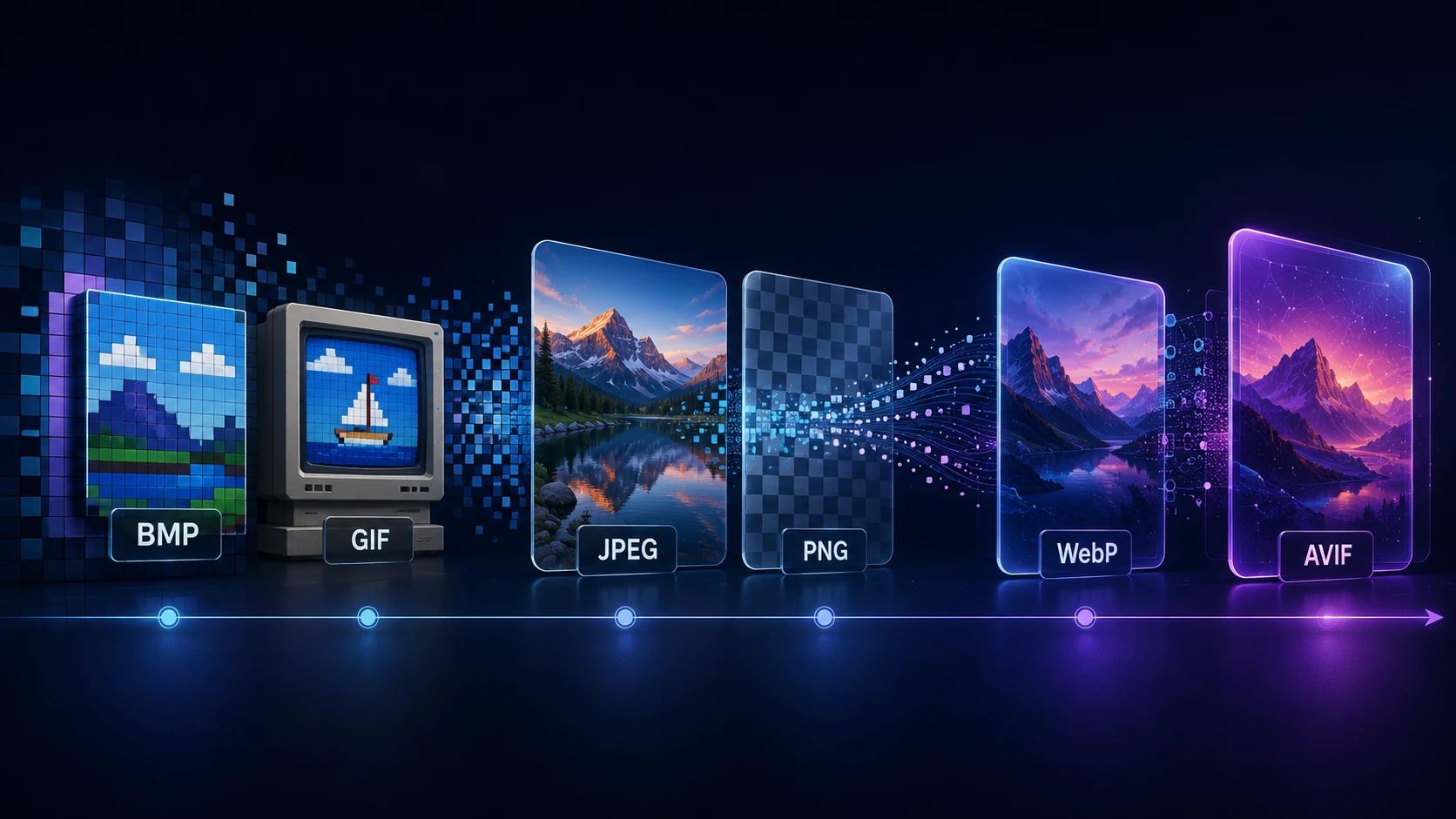
A Brief History of Digital Image Formats: From BMP and GIF to WebP and AVIF
Dinitha Ransidu 12 min read