Gerador de código QR
Gerador e criador de código QR grátis. Crie códigos QR para URL, WiFi e contatos — use este gerador com logo, cores e download PNG ou SVG. Roda no seu navegador.
Content
What should the QR code contain?
Style & options
Colors, size, module shapes, and logo
Colors
Size & quality
ECC → H px
Module style
Center logo
PNG · JPG · WEBP · SVG · max 2 MBDrop your logo here
or browse files
Preparing your logo…
Optimizing size so the QR preview stays fast and responsive.
A free QR code generator with no strings attached
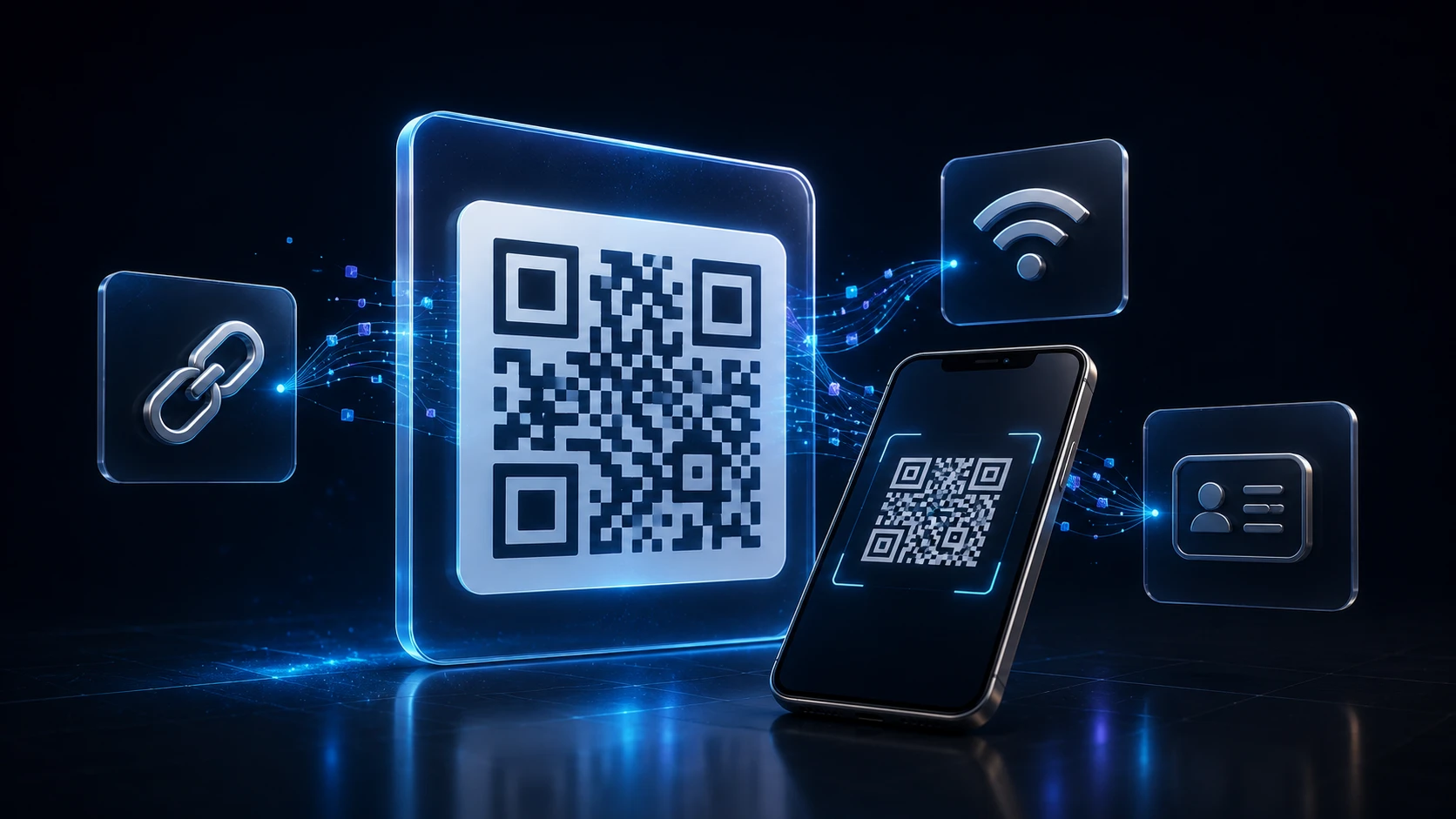
This free QR code generator makes codes for websites, WiFi networks, contact cards, phone numbers, text messages and emails. You can change the colors, round off the dots, put your logo in the middle, and download a high-resolution PNG or a scalable SVG.
There's no sign-up, and the codes are static, which means the information is stored in the pattern itself. Nothing redirects through a third-party server, so your code won't stop working when a free trial ends, and nobody else learns who scanned it.
How to create a QR code
It takes under a minute, and you can see the finished code before you download it.
- 1
Escolha um tipo de QR
Escolha URL, Texto, WiFi, E-mail, Telefone, SMS ou vCard conforme o que você quer que o código abra ou compartilhe.
- 2
Digite seu conteúdo
Preencha os campos desse tipo — por exemplo um link, nome e senha da rede WiFi, ou dados de contato.
- 3
Estilize o código QR
Ajuste cores, tamanho, correção de erros, estilos de pontos e opcionalmente incorpore um logo. A visualização atualiza no seu navegador.
- 4
Baixe PNG ou SVG
Crie arquivos de código QR para imagens, slides ou impressão. Exporte PNG ou SVG — nada é enviado a um servidor.
Seven types of QR code
| Type | What scanning does | Good for |
|---|---|---|
| URL | Opens a web page | Menus, flyers, product packaging, business cards |
| Text | Shows plain text on the phone | Instructions, serial numbers, short notes |
| WiFi | Joins a network without typing the password | Homes, cafés, offices, rental apartments |
| Opens a new email with address, subject and body filled in | Support requests, RSVPs, feedback | |
| Phone | Offers to call a number | Posters, vehicle signage, shop windows |
| SMS | Opens a text message with number and message ready | Opt-ins, contests, quick replies |
| vCard | Saves a contact with name, company, phone and email | Business cards, conference badges, email signatures |
QR code generator with logo and custom colors
Adding a logo
Upload your logo and it's placed in the center of the code, with the dots behind it cleared so it stands out. You can set its size up to 22% of the code width and add a margin around it. While a logo is present, error correction is fixed at High, giving the code enough redundancy to scan with the middle covered. Simple, high-contrast logos work best; a detailed photo shrunk into the middle just looks like a smudge.
Colors that still scan
Scanners need strong contrast between the dots and the background. Dark dots on a light background is the safe choice: navy, black, deep green or burgundy on white or cream. Avoid light dots on a dark background unless you test it carefully, because some older scanner apps can't read inverted codes. A transparent background is useful for placing the code on a colored design, as long as that design is light.
Dot and corner styles
Dots can be square, dots, rounded, classy, classy rounded or extra rounded, and the three corner squares have their own shape options. Rounded styles look friendlier on consumer packaging; square looks crisp on technical labels. All of them scan normally.
Error correction levels in plain terms
Every QR code includes backup data so it can still be read when part of it is dirty, scratched or covered. You choose how much backup to include:
| Level | Can lose about | When to use it |
|---|---|---|
| L (Low) | 7% | Clean screens and documents; makes the simplest pattern |
| M (Medium) | 15% | Everyday print; the default |
| Q (Quartile) | 25% | Outdoor signs, stickers, anything that may get scuffed |
| H (High) | 30% | Codes with a logo, or surfaces that wear out; set automatically with a logo |
Higher levels add more dots, so the pattern gets denser. For a long URL at level H, print the code a little larger so each dot stays easy for a camera to pick out.
Getting the size right for print
A common rule of thumb is that a QR code should be at least a tenth as wide as the distance it will be scanned from. A code read from 30 cm away needs to be about 3 cm wide; a poster read from 2 meters needs about 20 cm. For business cards, 2 cm is the practical minimum.
For print, download the SVG and let your designer or print shop scale it. If you need PNG, set the output size high, up to 2000 pixels, so it stays sharp. Leave the quiet zone (the margin around the code) intact; cropping it off is one of the most common reasons printed codes fail.
Before you print: a short checklist
- Scan it with at least two phones, ideally one iPhone and one Android, using the built-in camera app.
- Open the link fully and check it lands on the right page, not a login screen or a typo.
- Shorter content scans faster. A long URL makes a denser code. Use a clean link without unnecessary tracking strings when you can.
- Test on the real material. Glossy paper, curved bottles and fabric can all affect scanning.
- Add a short call to action next to the code, like "Scan for the menu", so people know what they'll get.
Privacy
Everything is generated in your browser, so the contents of your code (including WiFi passwords and personal contact details) are never sent to ImgTask. The same goes for your logo. If you need a matching icon for your website, the favicon generator builds one from the same logo file.
Mais ferramentas
Todas são gratuitas e privadas, e funcionam em segundos.
Ferramentas de imagem
49 Compress Image JPEG · PNG · WEBP · GIF · BMP · TIFF · AVIF · HEIC Resize Image Exact px or % Blur Image Gaussian & motion
Converter para JPG
JPGConverter para PNG
PNGConverter para WEBP
WEBPConverter para AVIF
AVIFConverter para TIFF
TIFFConverter para GIF
GIFFavicon / ICO
Ferramentas PDF
12 Compress PDF Shrink for email & web Merge PDF Combine multiple files Image to PDF Images → single PDF PDF to Image Extract as PNG/JPG PDF to PowerPoint Pages → PPTX slides JPG to PDF Photos → PDF pages Word to PDF DOCX → PDF Excel to PDF XLSX → PDF table HTML to PDF Web page file → PDF PDF to JPG Pages → JPEG PDF to Word Extract text to DOCX PDF to Excel Tables → XLSX
Perguntas frequentes
Um gerador de código QR transforma texto ou dados estruturados (URL, WiFi, cartão de contato e mais) em um código de barras quadrado escaneável. Esta ferramenta grátis constrói o código no seu navegador.
Sim. Crie arquivos de código QR sem cadastro, marca d'água ou instalação de software. Baixe PNG ou SVG sem custo.
Escolha um tipo (URL, WiFi, texto e mais), digite seu conteúdo, personalize cores ou adicione um logo e baixe. Este criador de QR roda no seu navegador.
Sim. Envie um logo ao centro do seu código. Use correção de erros Q ou H para que leitores ainda leiam o código.
Sim. Baixe PNG para web e redes sociais, ou SVG para impressão e edição vetorial.
Escolha o tipo WiFi, digite o nome da rede (SSID), senha e segurança (WPA/WPA2, WEP ou aberta). Escanear conecta telefones a essa rede sem digitar a senha.
A geração roda no seu navegador. Seu conteúdo e logo permanecem no seu dispositivo — nada é enviado aos servidores do ImgTask para esta ferramenta.
Não. O ImgTask não adiciona marcas d'água aos códigos QR gerados.
Blog
Guias e dicas do blog
Artigos curtos e práticos para aproveitar melhor o ImgTask e o seu fluxo de trabalho com imagens ou PDF.