PDF to PowerPoint Converter
PDF to PowerPoint converter free online. Turn each PDF page into a slide in your browser, then download a PPTX — no account required.
Free to use
No account required
Secure processing
Discarded after download
PDF to PowerPoint converter — what you get
This PDF to PPT converter turns each selected page into a PowerPoint slide. The page is rendered as an image and placed on the slide so the original layout, diagrams, and fonts stay intact. Download a standard .pptx you can open in Microsoft PowerPoint, Google Slides, or Keynote.
PDF to PowerPoint converter free online
PDF to PowerPoint free means no account, no watermark, and nothing to install. Convert a PDF to PPTX online in your browser, then download the presentation. Upload limits still apply (100 MB, up to 50 pages).
PDF to PPT: add only the pages you need
Use the from/to page fields to add a page range instead of converting the whole document. That keeps the PPTX smaller — for example a cover plus slides 3–8 of a longer report.
PDF to PPTX that runs in your browser
Conversion stays on your device. The PDF is not uploaded to ImgTask's server, which is useful for contracts, lecture notes, or internal decks you do not want to send to a third-party converter.
When to convert a PDF to PowerPoint
- Present a PDF as slides. Open the pages in slideshow mode without rebuilding the deck.
- Annotate in PowerPoint. Add speaker notes, arrows, or extra slides around the original pages.
- Share a deck, not a document. Some meetings and classrooms expect a PPTX attachment.
- Keep layout fidelity. Image slides preserve diagrams and unusual fonts better than a text extract.
Need raster pages instead of slides? Use PDF to Image. If the source PDF is bulky before conversion, try Compress PDF first.
How to convert a PDF to PowerPoint online
- Upload your PDF. Drop a PDF into the upload area (max 100 MB, up to 50 pages). Conversion stays in your browser — the file is not uploaded.
- Choose slide size, DPI, and pages. Pick widescreen 16:9, standard 4:3, or match the PDF page. Set DPI and an optional from/to page range.
- Convert PDF to PowerPoint. Press Convert PDF to PowerPoint. Each selected page becomes a slide with a high-quality image of that page.
- Download the PPTX. Download a .pptx file you can open in PowerPoint, Google Slides, or Keynote. Nothing was sent to a server.
PDF to PowerPoint options at a glance
| Option | Choices | Note |
|---|---|---|
| Slide size | 16:9, 4:3, or match PDF | Pages are letterboxed to fit |
| DPI | 72, 150, or 300 | Higher DPI makes a larger PPTX |
| Pages | All, or a from/to range | Up to 50 pages |
| Editable text | Not extracted | Each page is an image on the slide |
Formats, limits, and privacy
Accepted upload: PDF only. Maximum size: 100 MB. Maximum pages: 50. Output: PPTX (PowerPoint).
Limitations: Slides are images of the PDF pages, not editable text boxes. Higher DPI and many pages create larger downloads. Complex vector art may look slightly different as a raster. Password-protected PDFs fail. Very large pages can hit browser memory limits.
Privacy: Your PDF is processed locally in your browser and is not uploaded to ImgTask's server. The file never leaves your device. No account is needed and results carry no watermark.
More Tools
Every tool is free, private and runs in seconds.
Image Tools
49
Compress Image
JPEG · PNG · WEBP · GIF · BMP · TIFF · AVIF · HEIC
Resize Image
Exact px or %
Blur Image
Gaussian & motion
Convert to JPG
JPGConvert to PNG
PNGConvert to WEBP
WEBPConvert to AVIF
AVIFConvert to TIFF
TIFFConvert to GIF
GIFFavicon / ICO
PDF Tools
11
Compress PDF
Shrink for email & web
Merge PDF
Combine multiple files
Image to PDF
Images → single PDF
PDF to Image
Extract as PNG/JPG
JPG to PDF
Photos → PDF pages
Word to PDF
DOCX → PDF
Excel to PDF
XLSX → PDF table
HTML to PDF
Web page file → PDF
PDF to JPG
Pages → JPEG
PDF to Word
Extract text to DOCX
PDF to Excel
Tables → XLSX
Frequently Asked Questions
Upload your PDF, choose a slide size and optional page range, click Convert PDF to PowerPoint, then download the PPTX. This converter runs in your browser and needs no account.
Yes. PDF to PowerPoint free with no signup, no watermark, and no software to install. Limits apply (100 MB, up to 50 pages).
Yes. PDF to PowerPoint is processed locally in your browser. The PDF is not uploaded to ImgTask's server, so the file never leaves your device.
Each PDF page is placed on a slide as an image so the layout stays faithful. You can move or crop the picture in PowerPoint, but the original text is not converted into editable text boxes.
Yes. Use From page and To page to add only the pages you need. Leave To page empty to convert through the end of the document.
Widescreen 16:9 is the default for modern PowerPoint. Standard 4:3 suits older projectors. Match PDF page keeps the original page proportions.
72 DPI is fine for on-screen previews. 150 DPI is a practical default. 300 DPI is sharper but makes a larger PPTX and can be slower in the browser.
Yes. The download is a standard .pptx file. Open it in Microsoft PowerPoint, upload it to Google Slides, or open it in Apple Keynote.
Blog
Guides and tips from the blog
Short, practical articles to get more out of ImgTask and your image or PDF workflow.
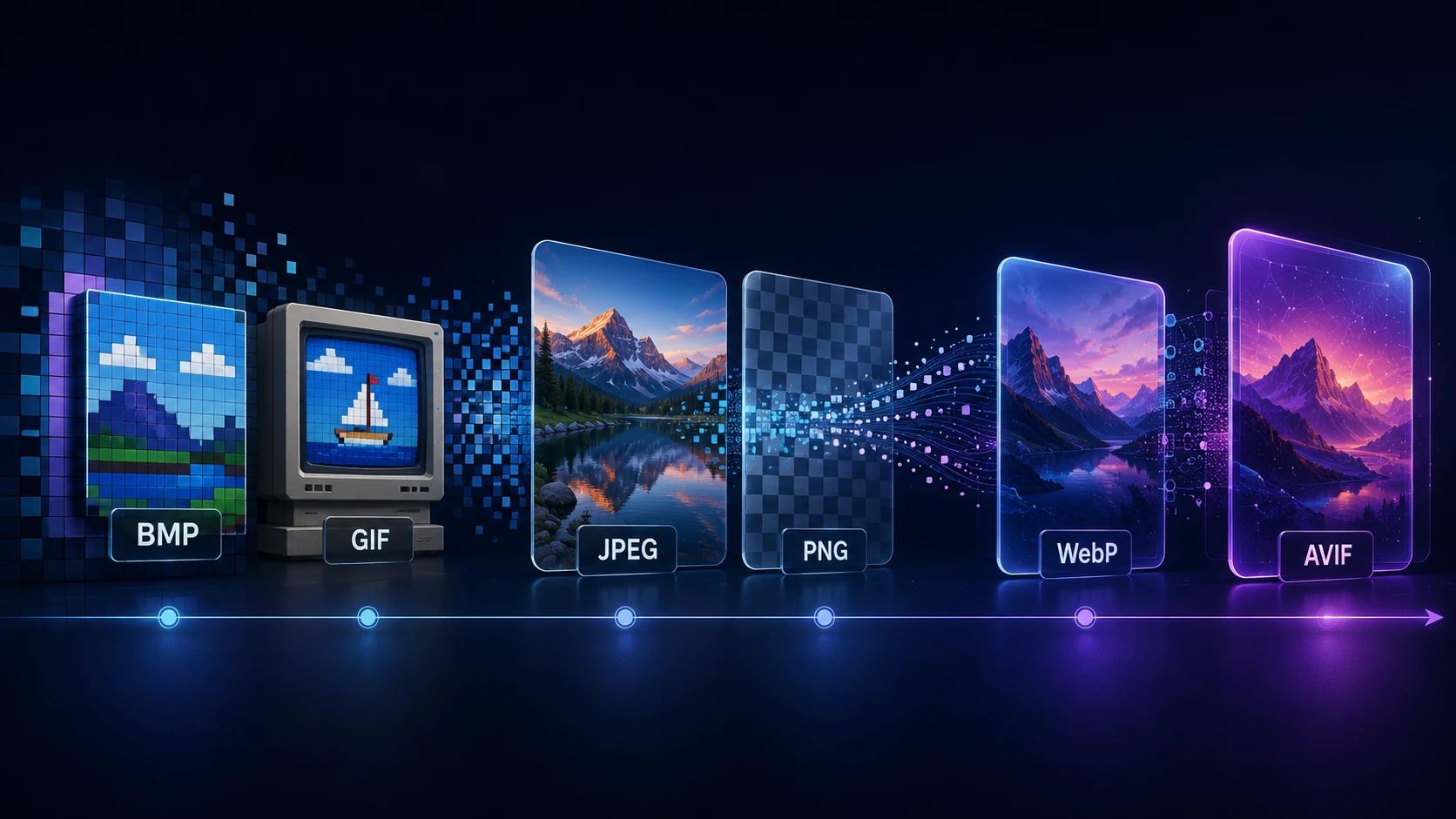
A Brief History of Digital Image Formats: From BMP and GIF to WebP and AVIF
Dinitha Ransidu 12 min read