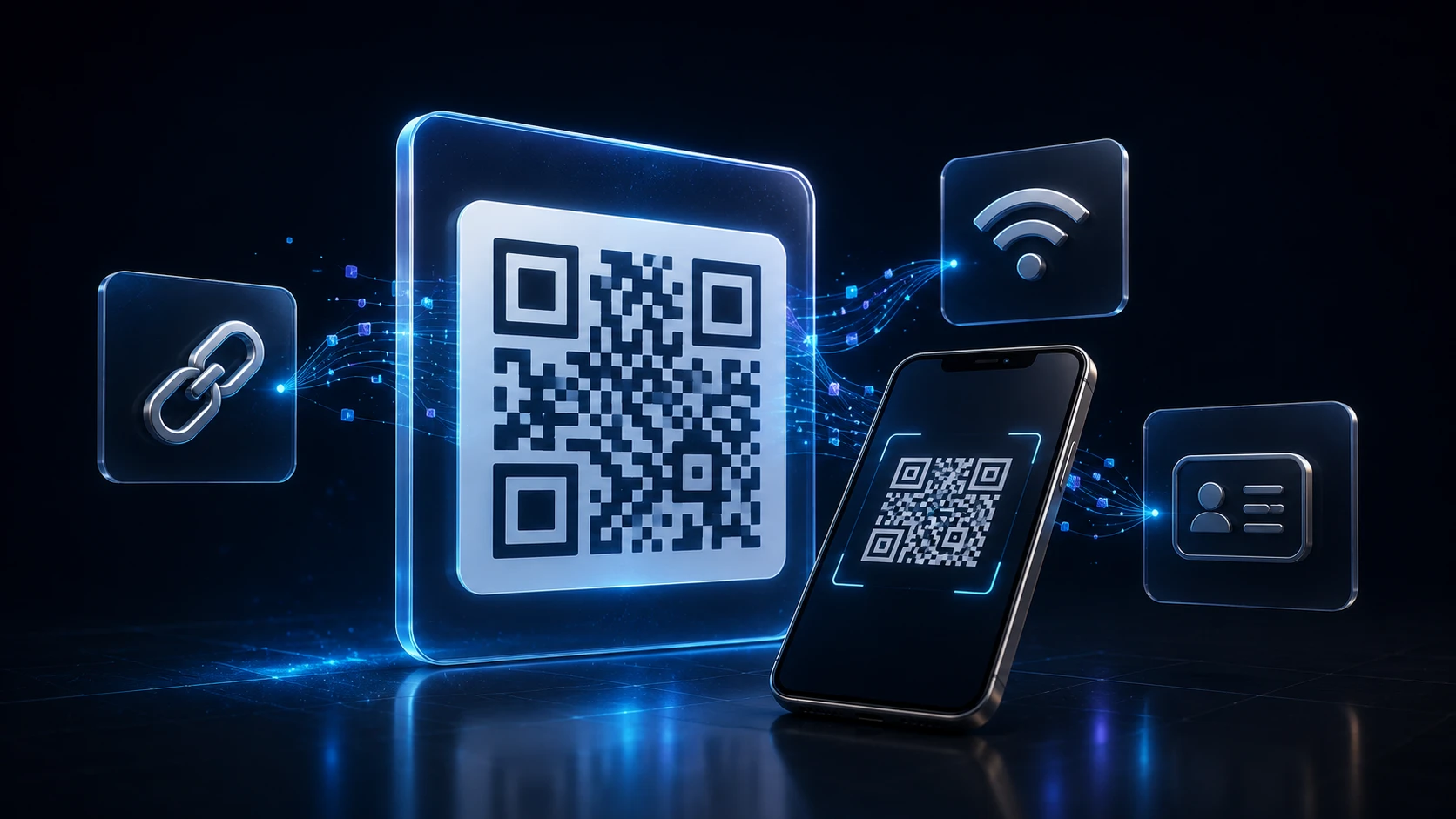
How to Create a QR Code: A Complete Guide for URLs, WiFi and More
Dinitha Ransidu Aug 27, 2026 17 min
Edit & optimize
Convert to JPG
Convert to PNG
Convert to WEBP
Convert to AVIF
Convert to TIFF
Convert to GIF
BMP
Edit & optimize
Convert to JPG
Convert to PNG
Convert to WEBP
Convert to AVIF
Convert to TIFF
Convert to GIF
BMP
Optimize & combine
Convert to PDF
PDF to JPG converter free online. Extract pages as JPEG in your browser — no account required.
This PDF to JPG converter renders each selected page as a JPEG at the DPI you choose. One page downloads as a JPG; several pages download as a ZIP.
Use it when a form or chat app wants a photo instead of a PDF.
Related tools: PDF to Image · JPG to PDF
This tool is JPEG-only and runs in your browser. PDF to Image also offers PNG and runs on the server for heavier files.
Accepted upload: PDF. Maximum size: 100 MB. Maximum pages: 50. Output: JPEG or ZIP.
Limitations: Password-protected PDFs fail. Higher DPI makes larger files. Maximum 50 pages per job.
Privacy: Your file is processed locally in your browser and is not uploaded to ImgTask's server. The file never leaves your device. No account is needed and results carry no watermark.
Image Tools
Compress Image
JPEG · PNG · WEBP · GIF · BMP · TIFF · AVIF · HEIC
Resize Image
Exact px or %
Blur Image
Gaussian & motion
Convert to JPG
Convert to PNG
Convert to WEBP
Convert to AVIF
Convert to TIFF
Convert to GIF
Favicon / ICO
PDF Tools
Compress PDF
Shrink for email & web
Merge PDF
Combine multiple files
Image to PDF
Images → single PDF
PDF to Image
Extract as PNG/JPG
PDF to PowerPoint
Pages → PPTX slides
JPG to PDF
Photos → PDF pages
Word to PDF
DOCX → PDF
Excel to PDF
XLSX → PDF table
HTML to PDF
Web page file → PDF
PDF to Word
Extract text to DOCX
PDF to Excel
Tables → XLSX
Blog
Short, practical articles to get more out of ImgTask and your image or PDF workflow.
Dinitha Ransidu Aug 27, 2026 17 min
Dinitha Ransidu Aug 15, 2026 12 min
Uploading
Processing…
Processing failed