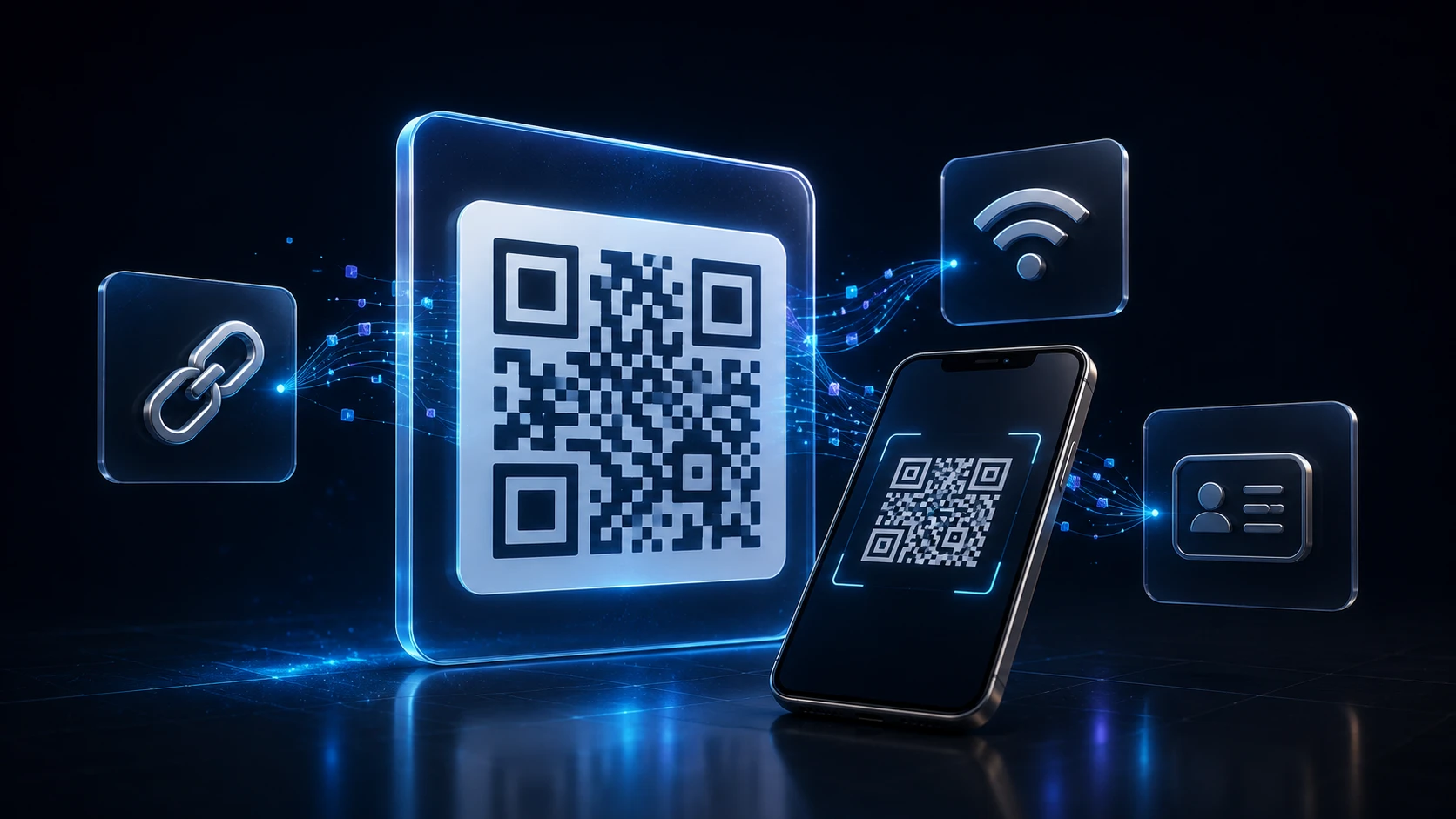
How to Create a QR Code: A Complete Guide for URLs, WiFi and More
Dinitha Ransidu Aug 27, 2026 17 min
Edit & optimize
Convert to JPG
Convert to PNG
Convert to WEBP
Convert to AVIF
Convert to TIFF
Convert to GIF
BMP
Edit & optimize
Convert to JPG
Convert to PNG
Convert to WEBP
Convert to AVIF
Convert to TIFF
Convert to GIF
BMP
Optimize & combine
Convert to PDF
Free JPEG to PNG converter. Turn a JPG image into PNG online, then download the result. No account required.
JPEG (JPG) is a lossy format designed for photos. PNG stores pixel data without JPEG-style quality loss and supports transparency in other workflows. Converting JPG to PNG will not recover detail already discarded by JPEG compression, but it can prepare the file for tools that prefer PNG.
Use this conversion when a platform or design tool expects PNG, or when you want to avoid further JPEG re-compression in later edits.
Related tools: Change PNG to JPG · JPG to WEBP · Compress Image
JPG and JPEG are the same format. This JPEG to PNG converter re-encodes your photo as a PNG file so editors, design tools, and some platforms that prefer PNG can open it. The pixels stay the same as what the JPEG currently shows — you are changing the container, not recovering lost camera detail.
If you need to turn an image into PNG from a JPG source — for a design handoff, a tool that rejects JPEG, or a workflow that expects a lossless raster — upload the file above and convert. Afterward you can edit in apps that treat PNG as the default interchange format.
Do not convert JPG to PNG just to shrink a file. PNG is usually larger for photographs. To reduce bytes, use the image compressor or convert to a lighter web format such as JPG to WEBP.
Searches for “change png to jpg” are the reverse of this page. If your file is already a PNG and you want a smaller, widely compatible JPEG — for email, forms, or photo sharing — use the PNG to JPG converter. Transparent PNG areas will be flattened onto a white background because JPEG has no alpha channel.
Upload limit: 200 MB per image, up to 20 files at once. Images above about 100 megapixels may fail in the browser. Conversion re-encodes pixels and strips EXIF, GPS, XMP, ICC, and DPI metadata; orientation is applied visually first.
Limitations: PNG output can be larger than the original JPEG. Transparency is not created automatically from a JPEG source. Converting JPG to PNG does not restore detail already lost to JPEG compression.
Privacy: Your image is processed locally in your browser and is not uploaded to ImgTask's server. Image files never leave your device. No account is needed and results carry no watermark.
Image Tools
Compress Image
JPEG · PNG · WEBP · GIF · BMP · TIFF · AVIF · HEIC
Resize Image
Exact px or %
Blur Image
Gaussian & motion
Convert to JPG
Convert to PNG
Convert to WEBP
Convert to AVIF
Convert to TIFF
Convert to GIF
Favicon / ICO
PDF Tools
Compress PDF
Shrink for email & web
Merge PDF
Combine multiple files
Image to PDF
Images → single PDF
PDF to Image
Extract as PNG/JPG
PDF to PowerPoint
Pages → PPTX slides
JPG to PDF
Photos → PDF pages
Word to PDF
DOCX → PDF
Excel to PDF
XLSX → PDF table
HTML to PDF
Web page file → PDF
PDF to JPG
Pages → JPEG
PDF to Word
Extract text to DOCX
PDF to Excel
Tables → XLSX
Blog
Short, practical articles to get more out of ImgTask and your image or PDF workflow.
Dinitha Ransidu Aug 27, 2026 17 min
Dinitha Ransidu Aug 15, 2026 12 min
Uploading
Processing…
Processing failed