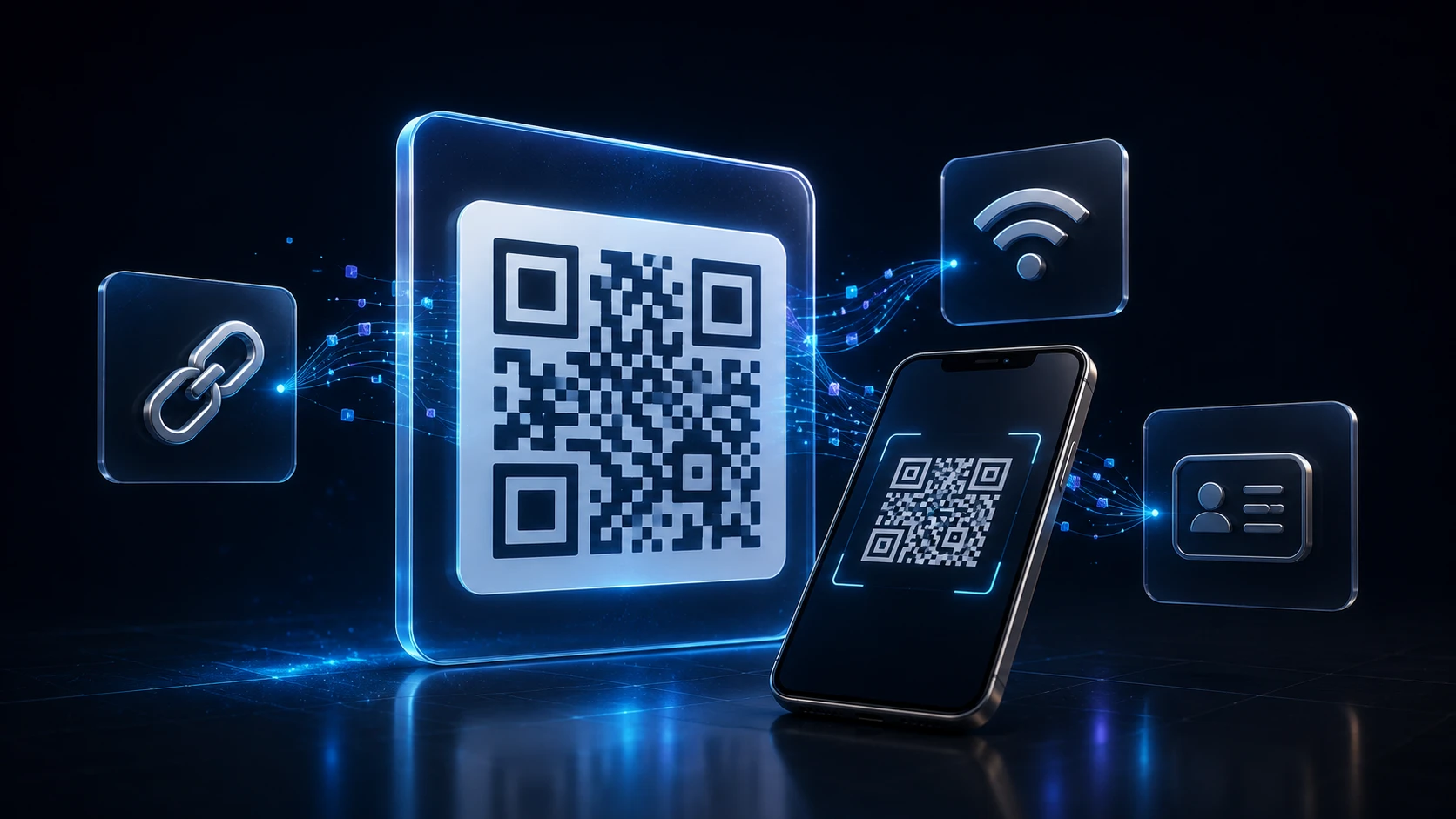
How to Create a QR Code: A Complete Guide for URLs, WiFi and More
Dinitha Ransidu Aug 27, 2026 17 min
Edit & optimize
Convert to JPG
Convert to PNG
Convert to WEBP
Convert to AVIF
Convert to TIFF
Convert to GIF
BMP
Edit & optimize
Convert to JPG
Convert to PNG
Convert to WEBP
Convert to AVIF
Convert to TIFF
Convert to GIF
BMP
Optimize & combine
Convert to PDF
Convertidor gratuito de BMP a PNG. Suelta tu archivo y convierte en tu navegador — privado y rápido.
Upload your BMP file
Drop a BMP file into the upload area (max 200 MB).
Review the upload
Confirm the selected file looks correct before converting.
Convert to PNG
Press Convert to PNG. Processing runs in your browser — free, no account required.
Download the result
Download the PNG file when it is ready. Processing stayed in your browser.
Este convertidor gratuito de BMP a PNG recodifica tu imagen en el navegador. Los archivos permanecen en tu dispositivo.
Úsalo cuando necesites salida PNG desde una fuente BMP para la web, el correo o otra aplicación.
Límite de carga: 200 MB por imagen, hasta 20 archivos a la vez.
Your image is processed locally in your browser and is not uploaded to ImgTask's server. Image files never leave your device.
PNG encoding in this tool is lossless from the decoded pixels. It does not add JPEG-style compression. The PNG can still be large for photographs.
Use PNG for editing and sharp graphics. Use JPEG when you need a smaller file for sharing.
Upload your BMP file on this page, click Convert to PNG, then download the result. No account is required.
Conversion runs in your browser. Your image is processed locally in your browser and is not uploaded to ImgTask's server. Image files never leave your device. If the browser cannot process the file, you will see an error and nothing is uploaded.
Images can be up to 200 MB. Very large pixel dimensions may fail in the browser. Conversion strips EXIF and similar metadata after applying orientation.
No. ImgTask does not add watermarks to converted files.
Image Tools
Compress Image
JPEG · PNG · WEBP · GIF · BMP · TIFF · AVIF · HEIC
Resize Image
Exact px or %
Blur Image
Gaussian & motion
Convert to JPG
Convert to PNG
Convert to WEBP
Convert to AVIF
Convert to TIFF
Convert to GIF
Favicon / ICO
PDF Tools
Compress PDF
Shrink for email & web
Merge PDF
Combine multiple files
Image to PDF
Images → single PDF
PDF to Image
Extract as PNG/JPG
PDF to PowerPoint
Pages → PPTX slides
JPG to PDF
Photos → PDF pages
Word to PDF
DOCX → PDF
Excel to PDF
XLSX → PDF table
HTML to PDF
Web page file → PDF
PDF to JPG
Pages → JPEG
PDF to Word
Extract text to DOCX
PDF to Excel
Tables → XLSX
Blog
Short, practical articles to get more out of ImgTask and your image or PDF workflow.
Dinitha Ransidu Aug 27, 2026 17 min
Dinitha Ransidu Aug 15, 2026 12 min
Uploading
Processing…
Processing failed