Generatore favicon
Generatore favicon online gratis. Carica un logo o un'immagine e scarica uno ZIP con favicon.ico, dimensioni PNG e apple-touch-icon per il tuo sito — nessun account richiesto.
A favicon generator that gives you every file you need
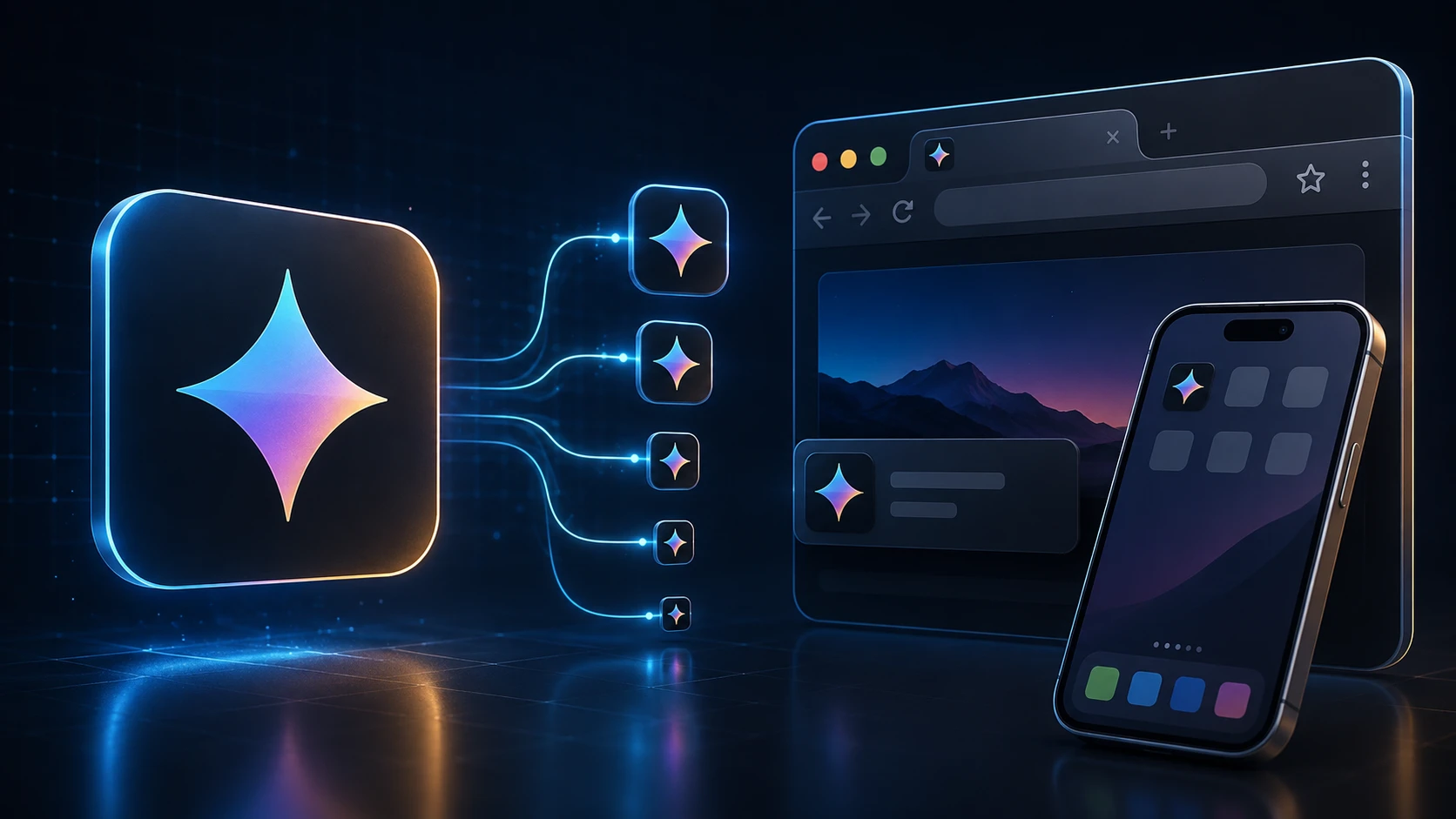
A favicon is the tiny icon in a browser tab, in bookmarks and on a phone's home screen when someone saves your site. This favicon generator takes one logo and produces the full set: a multi-size favicon.ico, crisp PNGs for modern browsers, and the Apple touch icon iOS uses for home-screen shortcuts.
Everything is created in your browser and handed back as a single ZIP, so you can drop the files into your site in a minute. It works for a hand-coded HTML site, a WordPress blog or an online store alike.
How to create a favicon
You'll need access to your website's files or its theme settings.
- 1
Carica il tuo logo o immagine
Trascina un PNG, JPG, WEBP o altra immagine supportata nell'area di caricamento (max 250 MB). I logo quadrati funzionano meglio.
- 2
Genera il pacchetto favicon
Premi Genera pacchetto favicon. L'elaborazione avviene nel browser e crea automaticamente più dimensioni icona.
- 3
Scarica lo ZIP
Scarica uno ZIP con favicon.ico (16/32/48), favicon-16x16.png, favicon-32x32.png e apple-touch-icon.png (180×180).
- 4
Aggiungi i file al sito
Metti favicon.ico nella root del sito e collega le icone PNG nel tag HTML <head> per browser e schermate home iOS.
What's in the ZIP
| File | Size | Used by |
|---|---|---|
| favicon.ico | 16, 32 and 48 px in one file | All browsers, Windows shortcuts, tools that request /favicon.ico |
| favicon-32x32.png | 32 × 32 px | Browser tabs on high-resolution screens |
| favicon-16x16.png | 16 × 16 px | Browser tabs and bookmarks on standard screens |
| apple-touch-icon.png | 180 × 180 px | iPhone and iPad home-screen shortcuts |
Add the favicon to your website
Upload the four files to the root of your site (the same folder as your home page), then add these lines inside the head section of your HTML:
- <link rel="icon" href="/favicon.ico" sizes="48x48">
- <link rel="icon" type="image/png" sizes="32x32" href="/favicon-32x32.png">
- <link rel="icon" type="image/png" sizes="16x16" href="/favicon-16x16.png">
- <link rel="apple-touch-icon" sizes="180x180" href="/apple-touch-icon.png">
WordPress: go to Appearance → Customize → Site Identity and upload the 512-pixel version of your logo as the Site Icon, or add the files and tags through your theme. Shopify, Wix and Squarespace each have a favicon field in their site settings; upload favicon-32x32.png or your original square logo there.
Designing a favicon that reads at 16 pixels
- Simplify. A full logo with a wordmark turns into mush at 16 pixels. Use the symbol alone, or the first letter of your brand.
- Go bold. Thin strokes disappear. Thicken lines and remove small details before you upload.
- Use strong contrast. Tabs can be light or dark. A solid shape on a transparent background, or a light symbol on a solid colored square, works on both.
- Start square and large. A 512 × 512 or 1024 × 1024 PNG gives the generator plenty of detail to work with when it scales down.
- Check it in a real tab. Open your site with several tabs and see whether you can spot your icon at a glance.
Free and private
This free favicon generator has no sign-up and no limits. Your logo is processed on your own device, so it isn't uploaded or stored anywhere. Building a mobile app as well? The app icon pack generator makes Android and iOS icon sets from the same image, and ICO to PNG pulls a PNG back out of an existing favicon.
Altri strumenti
Tutti gratuiti e privati, e funzionano in pochi secondi.
Strumenti immagine
49 Compress Image JPEG · PNG · WEBP · GIF · BMP · TIFF · AVIF · HEIC Resize Image Exact px or % Blur Image Gaussian & motion
Converti in JPG
JPGConverti in PNG
PNGConverti in WEBP
WEBPConverti in AVIF
AVIFConverti in TIFF
TIFFConverti in GIF
GIFFavicon / ICO
Strumenti PDF
12 Compress PDF Shrink for email & web Merge PDF Combine multiple files Image to PDF Images → single PDF PDF to Image Extract as PNG/JPG PDF to PowerPoint Pages → PPTX slides JPG to PDF Photos → PDF pages Word to PDF DOCX → PDF Excel to PDF XLSX → PDF table HTML to PDF Web page file → PDF PDF to JPG Pages → JPEG PDF to Word Extract text to DOCX PDF to Excel Tables → XLSX
Domande frequenti
Un generatore favicon crea i file icona che i browser mostrano in schede, segnalibri e schermate home. Questo strumento crea un ICO multi-dimensione più icone PNG da un unico caricamento.
Sì. Questo generatore favicon online gratuito non richiede registrazione, filigrana o installazione software. Si applicano limiti di caricamento (250 MB).
Sì. Questo strumento crea un favicon.ico multi-dimensione (16×16, 32×32, 48×48) e include anche file PNG favicon e apple-touch-icon nello ZIP.
Ottieni favicon.ico con dimensioni 16×16, 32×32 e 48×48, più favicon-16x16.png, favicon-32x32.png e apple-touch-icon.png a 180×180 per iOS.
Un logo o icona quadrata di almeno 180×180 pixel funziona meglio. I logo PNG trasparenti di solito appaiono più puliti delle foto complesse a dimensioni favicon minuscole.
Carica favicon.ico nella root del sito e aggiungi <link rel="icon" href="/favicon.ico"> nell'head HTML. Collega anche i file PNG e apple-touch-icon per i browser moderni.
La generazione avviene nel tuo browser. La tua immagine viene elaborata localmente e non viene caricata sul server di ImgTask.
No. ImgTask non aggiunge filigrane ai file favicon generati.
Blog
Guide e consigli dal blog
Articoli brevi e pratici per ottenere di più da ImgTask e dal tuo lavoro con immagini e PDF.