Favicon-generator
Favicon-generator gratis online. Upload een logo of afbeelding en download een ZIP met favicon.ico, PNG-formaten en apple-touch-icon voor uw website — geen account vereist.
A favicon generator that gives you every file you need
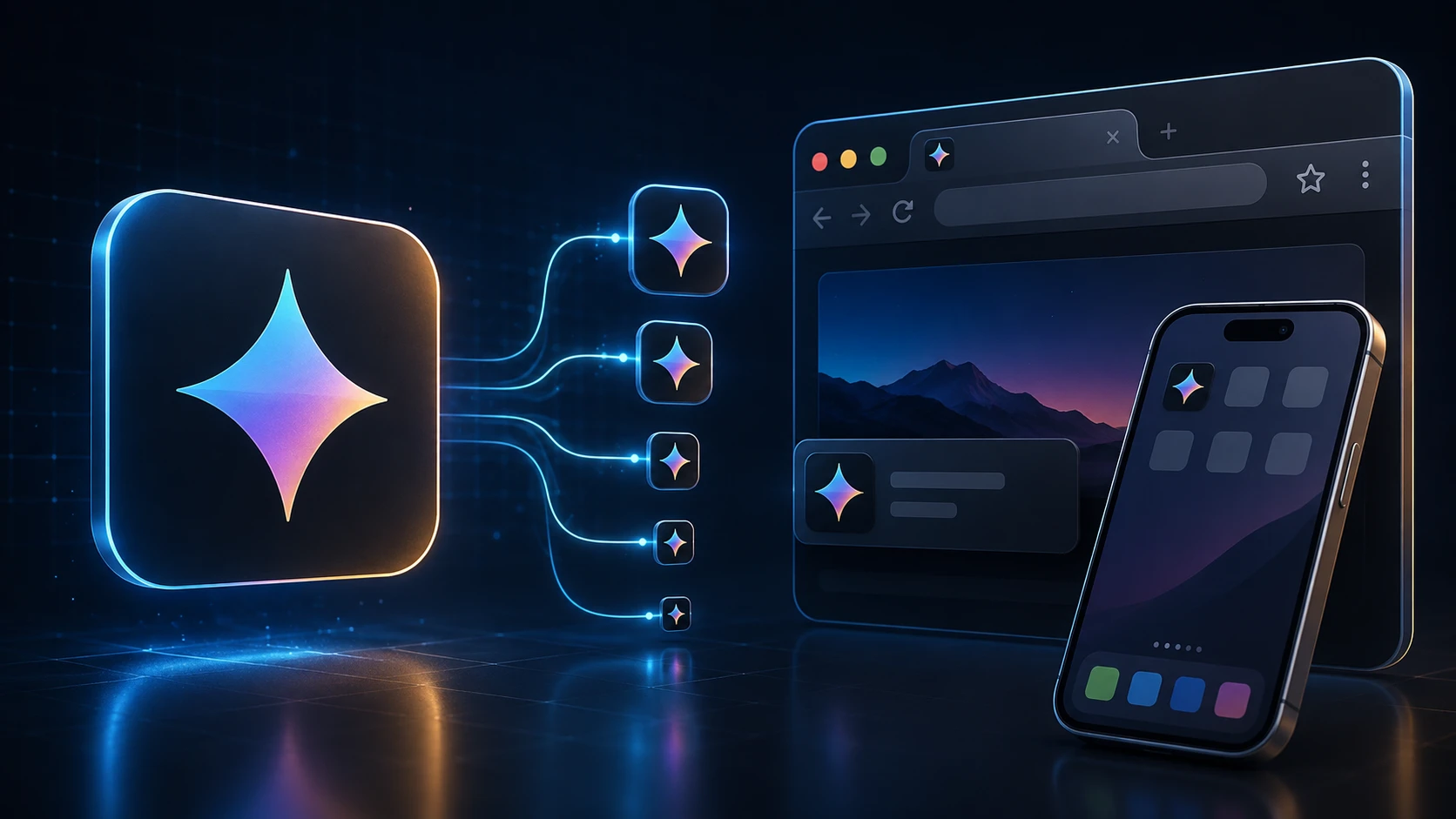
A favicon is the tiny icon in a browser tab, in bookmarks and on a phone's home screen when someone saves your site. This favicon generator takes one logo and produces the full set: a multi-size favicon.ico, crisp PNGs for modern browsers, and the Apple touch icon iOS uses for home-screen shortcuts.
Everything is created in your browser and handed back as a single ZIP, so you can drop the files into your site in a minute. It works for a hand-coded HTML site, a WordPress blog or an online store alike.
How to create a favicon
You'll need access to your website's files or its theme settings.
- 1
Upload uw logo of afbeelding
Sleep een vierkante PNG, JPG, WEBP of andere ondersteunde afbeelding naar het uploadgebied (max. 250 MB). Vierkante logo's werken het best.
- 2
Genereer het favicon-pakket
Druk op Favicon-pakket genereren. Verwerking draait in uw browser en bouwt automatisch meerdere icoonformaten.
- 3
Download de ZIP
Download een ZIP met favicon.ico (16/32/48), favicon-16x16.png, favicon-32x32.png en apple-touch-icon.png (180×180).
- 4
Voeg de bestanden toe aan uw site
Plaats favicon.ico in de root van uw site en koppel de PNG-iconen in uw HTML <head> voor browsers en iOS-startschermen.
What's in the ZIP
| File | Size | Used by |
|---|---|---|
| favicon.ico | 16, 32 and 48 px in one file | All browsers, Windows shortcuts, tools that request /favicon.ico |
| favicon-32x32.png | 32 × 32 px | Browser tabs on high-resolution screens |
| favicon-16x16.png | 16 × 16 px | Browser tabs and bookmarks on standard screens |
| apple-touch-icon.png | 180 × 180 px | iPhone and iPad home-screen shortcuts |
Add the favicon to your website
Upload the four files to the root of your site (the same folder as your home page), then add these lines inside the head section of your HTML:
- <link rel="icon" href="/favicon.ico" sizes="48x48">
- <link rel="icon" type="image/png" sizes="32x32" href="/favicon-32x32.png">
- <link rel="icon" type="image/png" sizes="16x16" href="/favicon-16x16.png">
- <link rel="apple-touch-icon" sizes="180x180" href="/apple-touch-icon.png">
WordPress: go to Appearance → Customize → Site Identity and upload the 512-pixel version of your logo as the Site Icon, or add the files and tags through your theme. Shopify, Wix and Squarespace each have a favicon field in their site settings; upload favicon-32x32.png or your original square logo there.
Designing a favicon that reads at 16 pixels
- Simplify. A full logo with a wordmark turns into mush at 16 pixels. Use the symbol alone, or the first letter of your brand.
- Go bold. Thin strokes disappear. Thicken lines and remove small details before you upload.
- Use strong contrast. Tabs can be light or dark. A solid shape on a transparent background, or a light symbol on a solid colored square, works on both.
- Start square and large. A 512 × 512 or 1024 × 1024 PNG gives the generator plenty of detail to work with when it scales down.
- Check it in a real tab. Open your site with several tabs and see whether you can spot your icon at a glance.
Free and private
This free favicon generator has no sign-up and no limits. Your logo is processed on your own device, so it isn't uploaded or stored anywhere. Building a mobile app as well? The app icon pack generator makes Android and iOS icon sets from the same image, and ICO to PNG pulls a PNG back out of an existing favicon.
Meer tools
Elke tool is gratis, privé en klaar in een paar seconden.
Afbeeldingstools
49 Compress Image JPEG · PNG · WEBP · GIF · BMP · TIFF · AVIF · HEIC Resize Image Exact px or % Blur Image Gaussian & motion
Converteer naar JPG
JPGConverteer naar PNG
PNGConverteer naar WEBP
WEBPConverteer naar AVIF
AVIFConverteer naar TIFF
TIFFConverteer naar GIF
GIFFavicon / ICO
PDF-tools
12 Compress PDF Shrink for email & web Merge PDF Combine multiple files Image to PDF Images → single PDF PDF to Image Extract as PNG/JPG PDF to PowerPoint Pages → PPTX slides JPG to PDF Photos → PDF pages Word to PDF DOCX → PDF Excel to PDF XLSX → PDF table HTML to PDF Web page file → PDF PDF to JPG Pages → JPEG PDF to Word Extract text to DOCX PDF to Excel Tables → XLSX
Veelgestelde vragen
Een favicon-generator maakt de icoonbestanden die browsers tonen in tabbladen, bladwijzers en startschermen. Deze tool bouwt een multi-formaat ICO plus PNG-iconen van één upload.
Ja. Deze gratis online favicon-generator vereist geen registratie, watermerk of software-installatie. Uploadlimieten gelden (250 MB).
Ja. Deze tool bouwt een multi-formaat favicon.ico (16×16, 32×32, 48×48) en bevat ook PNG favicon- en apple-touch-icon-bestanden in de ZIP.
U krijgt favicon.ico met formaten 16×16, 32×32 en 48×48, plus favicon-16x16.png, favicon-32x32.png en apple-touch-icon.png op 180×180 voor iOS.
Een vierkant logo of icoon van minimaal 180×180 pixels werkt het best. Transparante PNG-logo's zien er meestal schoner uit dan drukke foto's op tiny favicon-formaten.
Upload favicon.ico naar de root van uw website en voeg <link rel="icon" href="/favicon.ico"> toe in de HTML-head. Koppel ook de PNG- en apple-touch-icon-bestanden voor moderne browsers.
Generatie draait in uw browser. Uw afbeelding wordt lokaal verwerkt en niet geüpload naar de server van ImgTask.
Nee. ImgTask voegt geen watermerken toe aan gegenereerde favicon-bestanden.
Blog
Handleidingen en tips van de blog
Korte, praktische artikelen om meer uit ImgTask en je werk met afbeeldingen of pdf's te halen.