Генератор favicon
Бесплатный генератор favicon онлайн. Загрузите логотип или изображение и скачайте ZIP с favicon.ico, PNG и apple-touch-icon для сайта — без аккаунта.
A favicon generator that gives you every file you need
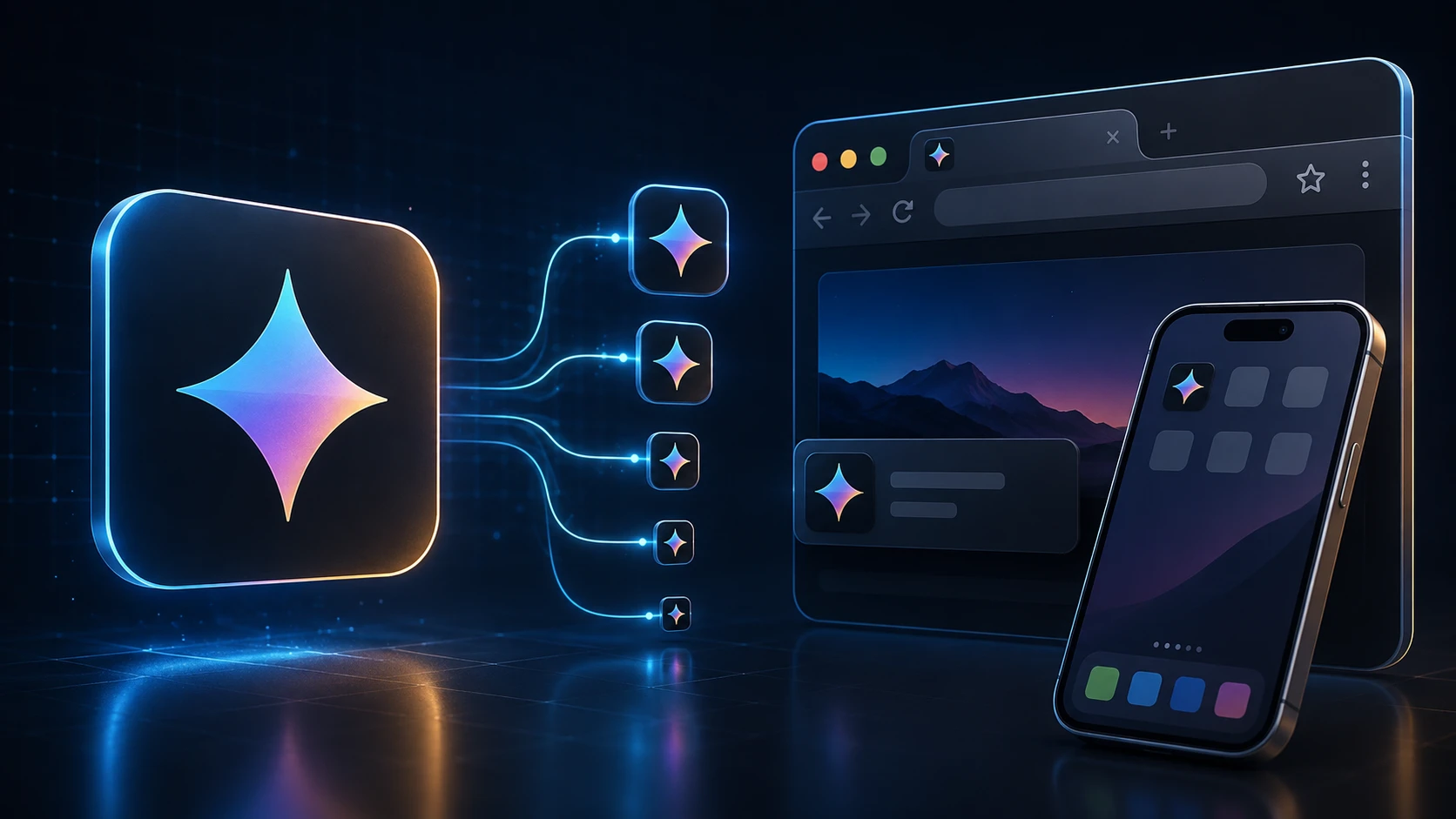
A favicon is the tiny icon in a browser tab, in bookmarks and on a phone's home screen when someone saves your site. This favicon generator takes one logo and produces the full set: a multi-size favicon.ico, crisp PNGs for modern browsers, and the Apple touch icon iOS uses for home-screen shortcuts.
Everything is created in your browser and handed back as a single ZIP, so you can drop the files into your site in a minute. It works for a hand-coded HTML site, a WordPress blog or an online store alike.
How to create a favicon
You'll need access to your website's files or its theme settings.
- 1
Загрузите логотип или изображение
Перетащите квадратный PNG, JPG, WEBP или другое поддерживаемое изображение (макс. 250 МБ). Квадратные логотипы подходят лучше всего.
- 2
Сгенерируйте набор favicon
Нажмите «Сгенерировать набор favicon». Обработка выполняется в браузере и создаёт несколько размеров автоматически.
- 3
Скачайте ZIP
Скачайте ZIP с favicon.ico (16/32/48), favicon-16x16.png, favicon-32x32.png и apple-touch-icon.png (180×180).
- 4
Добавьте файлы на сайт
Поместите favicon.ico в корень сайта и подключите PNG-иконки в HTML <head> для браузеров и домашних экранов iOS.
What's in the ZIP
| File | Size | Used by |
|---|---|---|
| favicon.ico | 16, 32 and 48 px in one file | All browsers, Windows shortcuts, tools that request /favicon.ico |
| favicon-32x32.png | 32 × 32 px | Browser tabs on high-resolution screens |
| favicon-16x16.png | 16 × 16 px | Browser tabs and bookmarks on standard screens |
| apple-touch-icon.png | 180 × 180 px | iPhone and iPad home-screen shortcuts |
Add the favicon to your website
Upload the four files to the root of your site (the same folder as your home page), then add these lines inside the head section of your HTML:
- <link rel="icon" href="/favicon.ico" sizes="48x48">
- <link rel="icon" type="image/png" sizes="32x32" href="/favicon-32x32.png">
- <link rel="icon" type="image/png" sizes="16x16" href="/favicon-16x16.png">
- <link rel="apple-touch-icon" sizes="180x180" href="/apple-touch-icon.png">
WordPress: go to Appearance → Customize → Site Identity and upload the 512-pixel version of your logo as the Site Icon, or add the files and tags through your theme. Shopify, Wix and Squarespace each have a favicon field in their site settings; upload favicon-32x32.png or your original square logo there.
Designing a favicon that reads at 16 pixels
- Simplify. A full logo with a wordmark turns into mush at 16 pixels. Use the symbol alone, or the first letter of your brand.
- Go bold. Thin strokes disappear. Thicken lines and remove small details before you upload.
- Use strong contrast. Tabs can be light or dark. A solid shape on a transparent background, or a light symbol on a solid colored square, works on both.
- Start square and large. A 512 × 512 or 1024 × 1024 PNG gives the generator plenty of detail to work with when it scales down.
- Check it in a real tab. Open your site with several tabs and see whether you can spot your icon at a glance.
Free and private
This free favicon generator has no sign-up and no limits. Your logo is processed on your own device, so it isn't uploaded or stored anywhere. Building a mobile app as well? The app icon pack generator makes Android and iOS icon sets from the same image, and ICO to PNG pulls a PNG back out of an existing favicon.
Другие инструменты
Все инструменты бесплатны, конфиденциальны и работают за секунды.
Инструменты для изображений
49 Compress Image JPEG · PNG · WEBP · GIF · BMP · TIFF · AVIF · HEIC Resize Image Exact px or % Blur Image Gaussian & motion
Конвертировать в JPG
JPGКонвертировать в PNG
PNGКонвертировать в WEBP
WEBPКонвертировать в AVIF
AVIFКонвертировать в TIFF
TIFFКонвертировать в GIF
GIFFavicon / ICO
Инструменты PDF
12 Compress PDF Shrink for email & web Merge PDF Combine multiple files Image to PDF Images → single PDF PDF to Image Extract as PNG/JPG PDF to PowerPoint Pages → PPTX slides JPG to PDF Photos → PDF pages Word to PDF DOCX → PDF Excel to PDF XLSX → PDF table HTML to PDF Web page file → PDF PDF to JPG Pages → JPEG PDF to Word Extract text to DOCX PDF to Excel Tables → XLSX
Частые вопросы
Генератор favicon создаёт файлы иконок для вкладок, закладок и домашних экранов браузера. Этот инструмент строит многоразмерный ICO и PNG из одной загрузки.
Да. Бесплатный онлайн-генератор favicon — без регистрации, водяного знака и установки ПО. Лимит загрузки: 250 МБ.
Да. Инструмент создаёт многоразмерный favicon.ico (16×16, 32×32, 48×48) и включает PNG favicon и apple-touch-icon в ZIP.
favicon.ico с размерами 16×16, 32×32 и 48×48, а также favicon-16x16.png, favicon-32x32.png и apple-touch-icon.png 180×180 для iOS.
Квадратный логотип или иконка минимум 180×180 пикселей. Прозрачный PNG обычно выглядит чище, чем детализированные фото в крошечном размере favicon.
Загрузите favicon.ico в корень сайта и добавьте <link rel="icon" href="/favicon.ico"> в HTML head. Также подключите PNG и apple-touch-icon для современных браузеров.
Генерация выполняется в браузере. Изображение обрабатывается локально и не загружается на сервер ImgTask.
Нет. ImgTask не добавляет водяные знаки к сгенерированным favicon.
Blog
Руководства и советы из блога
Короткие практичные статьи о том, как эффективнее работать с ImgTask, изображениями и PDF.