Generator pakietu ikon aplikacji
Pakiety ikon aplikacji za darmo — prześlij jedno logo i pobierz ZIP z ikonami mipmap Android i AppIcon.appiconset iOS.
One app icon, every size Android and iOS ask for
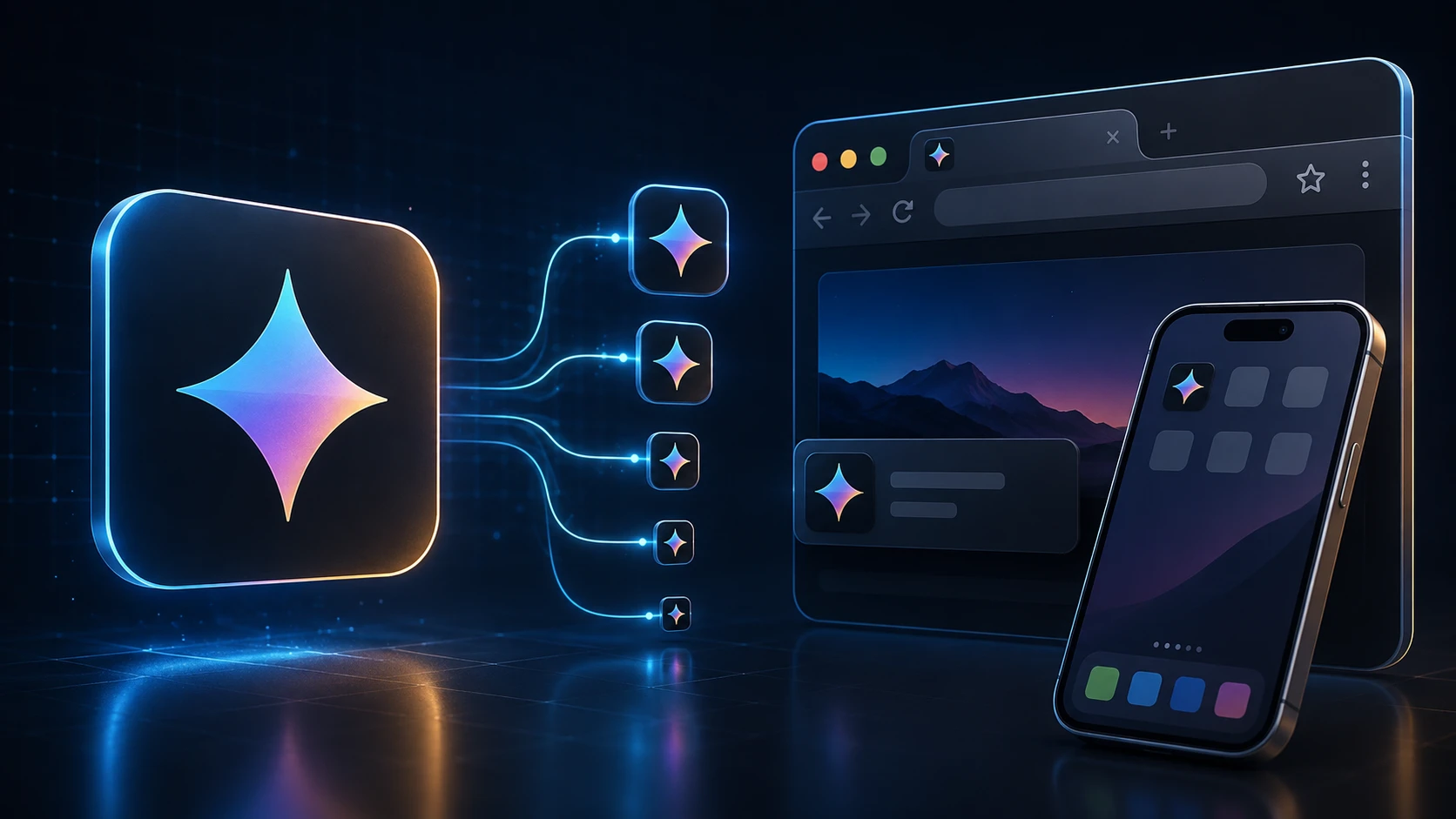
Shipping an app means exporting the same app icon over and over at different sizes. This generator does it in one step: upload a single square image and you get Android launcher icons in all five mipmap densities, the Play Store icon, and a complete iOS AppIcon set with its Contents.json.
The files are named and foldered the way Android Studio and Xcode expect, so there's no renaming or guessing which size goes where.
How to generate app icons
The pack builds in a few seconds.
- 1
Prześlij logo
Upuść kwadratowe PNG, JPG, WEBP lub inne obsługiwane logo (maks. 250 MB). Co najmniej 1024×1024 pikseli wygląda najostroj dla ikon App Store i Play Store.
- 2
Wygeneruj pakiet ikon aplikacji
Naciśnij Wygeneruj pakiet ikon aplikacji. Zmieniamy rozmiar logo do gęstości mipmap Android i rozmiarów AppIcon.appiconset iOS.
- 3
Pobierz ZIP
Otrzymujesz ZIP z folderami android/mipmap-* (ic_launcher.png), ikoną Play Store 512×512 oraz ios/AppIcon.appiconset z Contents.json.
- 4
Wklej do projektu
Skopiuj foldery Android do res/ i zastąp AppIcon.appiconset w Xcode folderem iOS z ZIP.
What's in the ZIP
| Folder | Contents |
|---|---|
| android/mipmap-mdpi … mipmap-xxxhdpi | ic_launcher.png at 48, 72, 96, 144 and 192 px |
| android/playstore | ic_launcher-512.png for the Google Play listing |
| ios/AppIcon.appiconset | 15 PNG files covering 18 iPhone, iPad and App Store slots, plus Contents.json |
Designing an app icon that works at every size
- Start at 1024 × 1024. Everything is scaled down from your upload, so a large source keeps the small sizes sharp.
- Leave a margin. Android launchers often show icons in circles or rounded squares, and iOS rounds the corners. Keep important details inside the middle 80% of the image.
- Use a solid background. It's required for the App Store icon and looks more consistent on Android home screens.
- Skip text. Words become unreadable at 40 pixels. A single symbol or letter reads better.
- Check the smallest size. Open the 40 px file and see whether the icon is still recognizable.
Free and private
The app icon generator is free, has no sign-up, and runs on your device, so unreleased artwork stays confidential. Need a browser tab icon for your app's website too? The favicon generator makes one from the same file.
Więcej narzędzi
Każde narzędzie jest darmowe, prywatne i działa w kilka sekund.
Narzędzia do obrazów
49 Compress Image JPEG · PNG · WEBP · GIF · BMP · TIFF · AVIF · HEIC Resize Image Exact px or % Blur Image Gaussian & motion
Konwertuj na JPG
JPGKonwertuj na PNG
PNGKonwertuj na WEBP
WEBPKonwertuj na AVIF
AVIFKonwertuj na TIFF
TIFFKonwertuj na GIF
GIFFavicon / ICO
Narzędzia PDF
12 Compress PDF Shrink for email & web Merge PDF Combine multiple files Image to PDF Images → single PDF PDF to Image Extract as PNG/JPG PDF to PowerPoint Pages → PPTX slides JPG to PDF Photos → PDF pages Word to PDF DOCX → PDF Excel to PDF XLSX → PDF table HTML to PDF Web page file → PDF PDF to JPG Pages → JPEG PDF to Word Extract text to DOCX PDF to Excel Tables → XLSX
Najczęściej zadawane pytania
Generator pakietu ikon aplikacji bierze jedno logo i eksportuje wszystkie typowe rozmiary launchera dla aplikacji Android i iOS — gęstości mipmap plus AppIcon.appiconset — jako jeden ZIP.
Tak. Pakiety ikon aplikacji za darmo na ImgTask — bez rejestracji, znaku wodnego i oprogramowania desktopowego. Obowiązują limity przesyłania (250 MB).
Tak. ZIP Android zawiera ic_launcher.png w mipmap-mdpi (48), mipmap-hdpi (72), mipmap-xhdpi (96), mipmap-xxhdpi (144) i mipmap-xxxhdpi (192), plus ikonę Play Store 512×512.
ZIP zawiera AppIcon.appiconset z ikonami iPhone, iPad i App Store (1024×1024), plus Contents.json gotowy do katalogów zasobów Xcode.
Tak. Prześlij kwadratowe logo lub znak aplikacji — PNG z przezroczystością działa najlepiej — a to narzędzie zbuduje pełny zestaw Android i iOS.
Nie. Użyj Generatora favicon dla favicon.ico strony i plików apple-touch-icon. Użyj tego narzędzia dla ikon launchera aplikacji mobilnych.
Generowanie działa w Twojej przeglądarce. Obraz jest przetwarzany lokalnie i nie jest przesyłany na serwer ImgTask.
Nie. ImgTask nie dodaje znaków wodnych do wygenerowanych ikon aplikacji.
Blog
Poradniki i wskazówki z bloga
Krótkie, praktyczne artykuły, dzięki którym wyciągniesz więcej z ImgTask i pracy z obrazami lub PDF.