앱 아이콘 팩 생성기
앱 아이콘 팩 무료 — 로고 하나를 업로드하면 Android mipmap 아이콘과 iOS AppIcon.appiconset이 포함된 ZIP을 무료로 받으세요.
One app icon, every size Android and iOS ask for
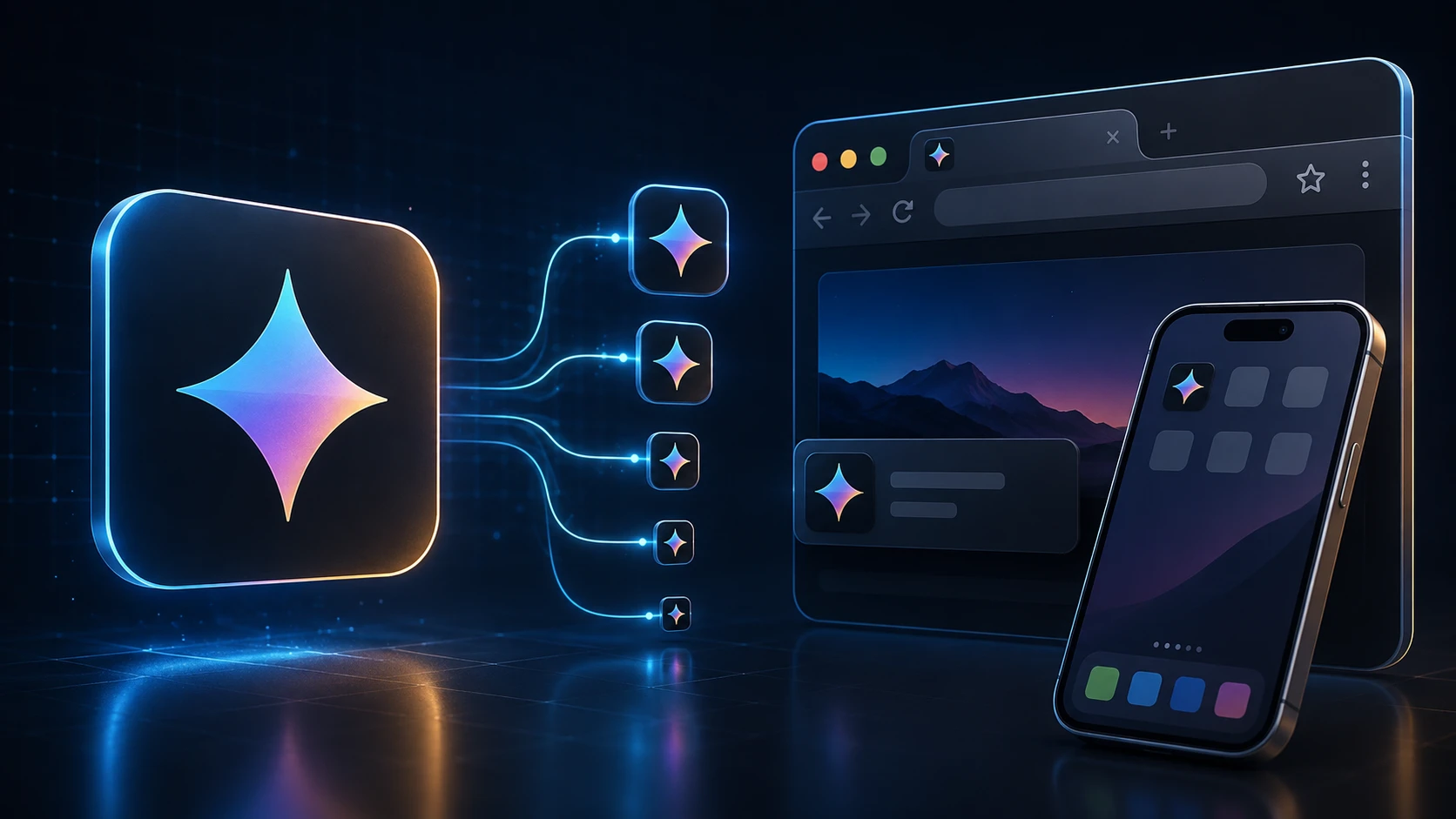
Shipping an app means exporting the same app icon over and over at different sizes. This generator does it in one step: upload a single square image and you get Android launcher icons in all five mipmap densities, the Play Store icon, and a complete iOS AppIcon set with its Contents.json.
The files are named and foldered the way Android Studio and Xcode expect, so there's no renaming or guessing which size goes where.
How to generate app icons
The pack builds in a few seconds.
- 1
로고 업로드
정사각형 PNG, JPG, WEBP 또는 기타 지원 로고를 드롭하세요(최대 250 MB). App Store·Play Store 아이콘은 최소 1024×1024 픽셀이 가장 선명합니다.
- 2
앱 아이콘 팩 생성
앱 아이콘 팩 생성을 누르세요. 로고를 Android mipmap 밀도와 iOS AppIcon.appiconset 크기로 조정합니다.
- 3
ZIP 다운로드
android/mipmap-* 폴더(ic_launcher.png), 512×512 Play Store 아이콘, Contents.json이 있는 ios/AppIcon.appiconset이 포함된 ZIP을 받으세요.
- 4
프로젝트에 복사
Android 폴더를 res/에 복사하고 Xcode AppIcon.appiconset을 ZIP의 iOS 폴더로 교체하세요.
What's in the ZIP
| Folder | Contents |
|---|---|
| android/mipmap-mdpi … mipmap-xxxhdpi | ic_launcher.png at 48, 72, 96, 144 and 192 px |
| android/playstore | ic_launcher-512.png for the Google Play listing |
| ios/AppIcon.appiconset | 15 PNG files covering 18 iPhone, iPad and App Store slots, plus Contents.json |
Designing an app icon that works at every size
- Start at 1024 × 1024. Everything is scaled down from your upload, so a large source keeps the small sizes sharp.
- Leave a margin. Android launchers often show icons in circles or rounded squares, and iOS rounds the corners. Keep important details inside the middle 80% of the image.
- Use a solid background. It's required for the App Store icon and looks more consistent on Android home screens.
- Skip text. Words become unreadable at 40 pixels. A single symbol or letter reads better.
- Check the smallest size. Open the 40 px file and see whether the icon is still recognizable.
Free and private
The app icon generator is free, has no sign-up, and runs on your device, so unreleased artwork stays confidential. Need a browser tab icon for your app's website too? The favicon generator makes one from the same file.
더 많은 도구
모든 도구는 무료이고 비공개이며 몇 초 만에 실행됩니다.
이미지 도구
49 Compress Image JPEG · PNG · WEBP · GIF · BMP · TIFF · AVIF · HEIC Resize Image Exact px or % Blur Image Gaussian & motion
JPG(으)로 변환
JPGPNG(으)로 변환
PNGWEBP(으)로 변환
WEBPAVIF(으)로 변환
AVIFTIFF(으)로 변환
TIFFGIF(으)로 변환
GIFFavicon / ICO
PDF 도구
12 Compress PDF Shrink for email & web Merge PDF Combine multiple files Image to PDF Images → single PDF PDF to Image Extract as PNG/JPG PDF to PowerPoint Pages → PPTX slides JPG to PDF Photos → PDF pages Word to PDF DOCX → PDF Excel to PDF XLSX → PDF table HTML to PDF Web page file → PDF PDF to JPG Pages → JPEG PDF to Word Extract text to DOCX PDF to Excel Tables → XLSX
자주 묻는 질문
앱 아이콘 팩 생성기는 로고 하나로 Android와 iOS 앱에 필요한 모든 런처 크기 — mipmap 밀도와 AppIcon.appiconset — 를 하나의 ZIP으로 내보냅니다.
예. ImgTask에서 앱 아이콘 팩 무료 — 가입, 워터마크, 데스크톱 소프트웨어 없음. 업로드 제한 적용(250 MB).
예. Android ZIP에는 mipmap-mdpi(48), mipmap-hdpi(72), mipmap-xhdpi(96), mipmap-xxhdpi(144), mipmap-xxxhdpi(192)의 ic_launcher.png와 512×512 Play Store 아이콘이 포함됩니다.
ZIP에는 iPhone, iPad, App Store(1024×1024) 아이콘과 Xcode 에셋 카탈로그용 Contents.json이 있는 AppIcon.appiconset이 포함됩니다.
예. 정사각형 로고나 앱 마크 — 투명 PNG가 가장 좋음 — 를 업로드하면 전체 Android·iOS 세트를 만듭니다.
아니요. 웹사이트 favicon.ico와 apple-touch-icon은 파비콘 생성기를 사용하세요. 모바일 앱 런처 아이콘은 이 도구를 사용하세요.
생성은 브라우저에서 실행됩니다. 이미지는 로컬에서 처리되며 ImgTask 서버에 업로드되지 않습니다.
아니요. ImgTask는 생성된 앱 아이콘 파일에 워터마크를 추가하지 않습니다.
Blog
블로그 가이드와 팁
ImgTask와 이미지·PDF 작업을 더 잘 활용할 수 있는 짧고 실용적인 글입니다.