App-Icon-Pack-Generator
App-Icon-Packs kostenlos — laden Sie ein Logo hoch und erhalten Sie ein ZIP mit Android-mipmap-Icons und iOS AppIcon.appiconset zum kostenlosen Download.
One app icon, every size Android and iOS ask for
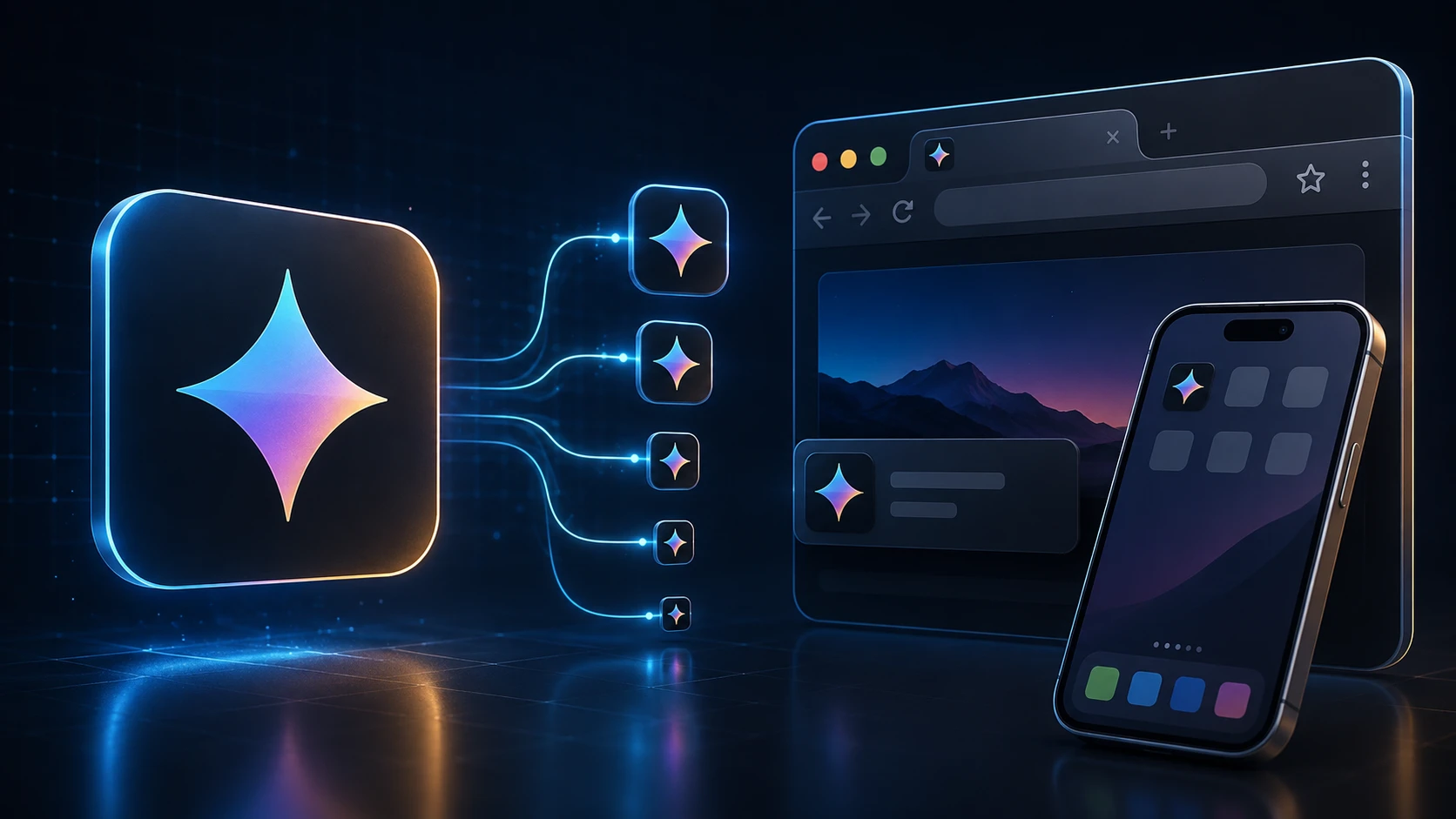
Shipping an app means exporting the same app icon over and over at different sizes. This generator does it in one step: upload a single square image and you get Android launcher icons in all five mipmap densities, the Play Store icon, and a complete iOS AppIcon set with its Contents.json.
The files are named and foldered the way Android Studio and Xcode expect, so there's no renaming or guessing which size goes where.
How to generate app icons
The pack builds in a few seconds.
- 1
Logo hochladen
Legen Sie ein quadratisches PNG, JPG, WEBP oder ein anderes unterstütztes Logo ab (max. 250 MB). Mindestens 1024×1024 Pixel wirken am schärfsten für App-Store- und Play-Store-Icons.
- 2
App-Icon-Pack generieren
Drücken Sie App-Icon-Pack generieren. Wir skalieren Ihr Logo in Android-mipmap-Dichten und iOS AppIcon.appiconset-Größen.
- 3
ZIP herunterladen
Erhalten Sie ein ZIP mit android/mipmap-*-Ordnern (ic_launcher.png), einem 512×512 Play-Store-Icon und ios/AppIcon.appiconset mit Contents.json.
- 4
In Ihr Projekt kopieren
Kopieren Sie Android-Ordner nach res/ und ersetzen Sie Ihr Xcode AppIcon.appiconset durch den iOS-Ordner aus dem ZIP.
What's in the ZIP
| Folder | Contents |
|---|---|
| android/mipmap-mdpi … mipmap-xxxhdpi | ic_launcher.png at 48, 72, 96, 144 and 192 px |
| android/playstore | ic_launcher-512.png for the Google Play listing |
| ios/AppIcon.appiconset | 15 PNG files covering 18 iPhone, iPad and App Store slots, plus Contents.json |
Designing an app icon that works at every size
- Start at 1024 × 1024. Everything is scaled down from your upload, so a large source keeps the small sizes sharp.
- Leave a margin. Android launchers often show icons in circles or rounded squares, and iOS rounds the corners. Keep important details inside the middle 80% of the image.
- Use a solid background. It's required for the App Store icon and looks more consistent on Android home screens.
- Skip text. Words become unreadable at 40 pixels. A single symbol or letter reads better.
- Check the smallest size. Open the 40 px file and see whether the icon is still recognizable.
Free and private
The app icon generator is free, has no sign-up, and runs on your device, so unreleased artwork stays confidential. Need a browser tab icon for your app's website too? The favicon generator makes one from the same file.
Weitere Tools
Alle Tools sind kostenlos, privat und in Sekunden fertig.
Bildtools
49 Compress Image JPEG · PNG · WEBP · GIF · BMP · TIFF · AVIF · HEIC Resize Image Exact px or % Blur Image Gaussian & motion
In JPG umwandeln
JPGIn PNG umwandeln
PNGIn WEBP umwandeln
WEBPIn AVIF umwandeln
AVIFIn TIFF umwandeln
TIFFIn GIF umwandeln
GIFFavicon / ICO
PDF-Tools
12 Compress PDF Shrink for email & web Merge PDF Combine multiple files Image to PDF Images → single PDF PDF to Image Extract as PNG/JPG PDF to PowerPoint Pages → PPTX slides JPG to PDF Photos → PDF pages Word to PDF DOCX → PDF Excel to PDF XLSX → PDF table HTML to PDF Web page file → PDF PDF to JPG Pages → JPEG PDF to Word Extract text to DOCX PDF to Excel Tables → XLSX
Häufige Fragen
Ein App-Icon-Pack-Generator nimmt ein Logo und exportiert alle Launcher-Größen, die Android- und iOS-Apps typischerweise brauchen — mipmap-Dichten plus AppIcon.appiconset — als ein ZIP.
Ja. App-Icon-Packs kostenlos bei ImgTask — ohne Registrierung, Wasserzeichen oder Desktop-Software. Upload-Limits gelten (250 MB).
Ja. Das Android-ZIP enthält ic_launcher.png in mipmap-mdpi (48), mipmap-hdpi (72), mipmap-xhdpi (96), mipmap-xxhdpi (144) und mipmap-xxxhdpi (192) plus ein 512×512 Play-Store-Icon.
Das ZIP enthält ein AppIcon.appiconset mit iPhone-, iPad- und App-Store-Icons (1024×1024) plus eine Contents.json für Xcode-Asset-Kataloge.
Ja. Laden Sie ein quadratisches Logo oder App-Zeichen hoch — PNG mit Transparenz funktioniert am besten — und dieses Tool erstellt das vollständige Android- und iOS-Set.
Nein. Nutzen Sie den Favicon-Generator für Website-favicon.ico und apple-touch-icon. Nutzen Sie dieses Tool für mobile App-Launcher-Icons.
Die Generierung läuft in Ihrem Browser. Ihr Bild wird lokal verarbeitet und nicht auf den Server von ImgTask hochgeladen.
Nein. ImgTask fügt generierten App-Icon-Dateien kein Wasserzeichen hinzu.
Blog
Anleitungen und Tipps aus dem Blog
Kurze, praktische Artikel, damit Sie mehr aus ImgTask und Ihren Bildern oder PDFs herausholen.