App-icoonpakket-generator
App-icoonpakketten gratis — upload één logo en krijg een gratis ZIP-download met Android mipmap-iconen en een iOS AppIcon.appiconset.
One app icon, every size Android and iOS ask for
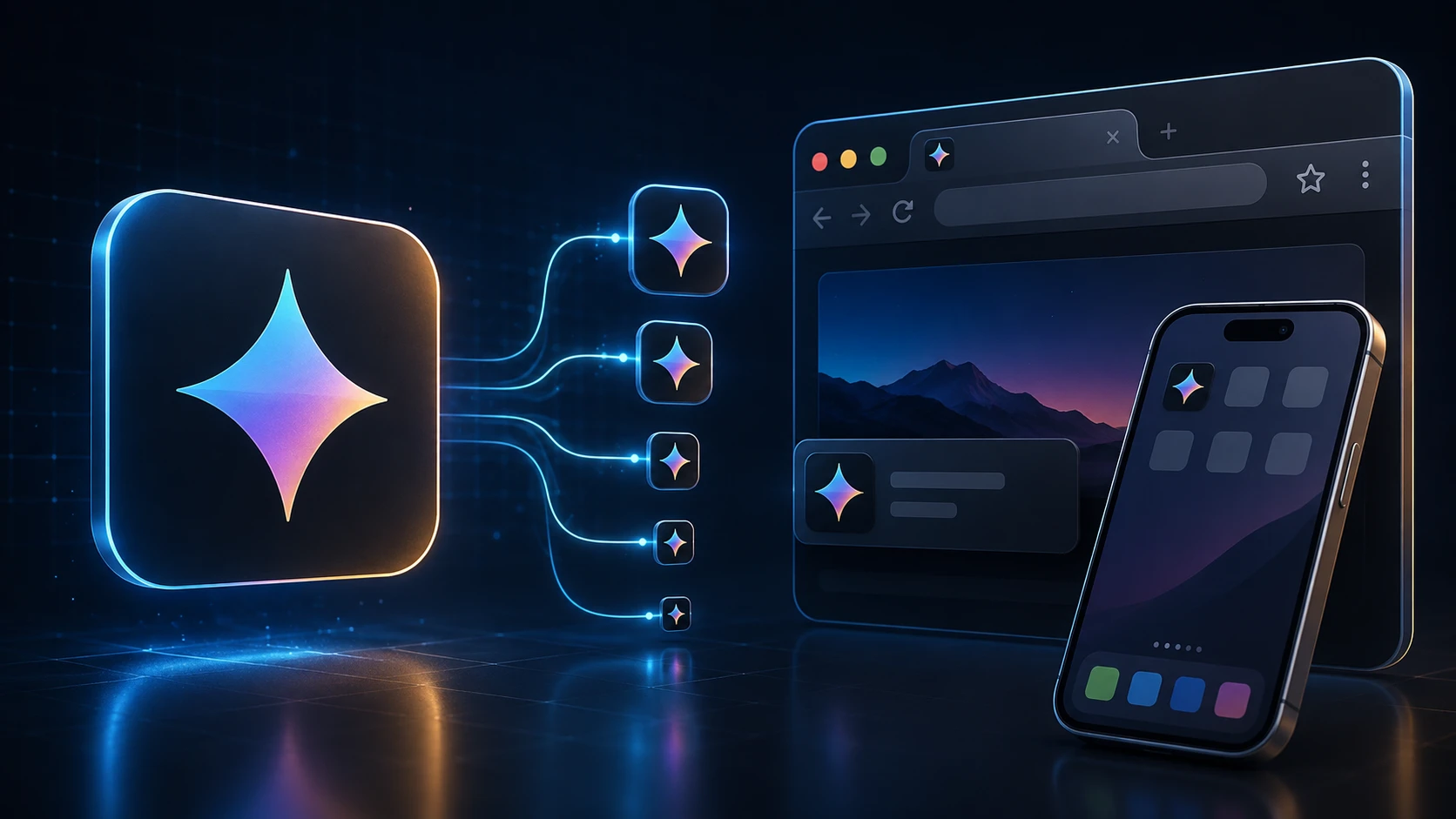
Shipping an app means exporting the same app icon over and over at different sizes. This generator does it in one step: upload a single square image and you get Android launcher icons in all five mipmap densities, the Play Store icon, and a complete iOS AppIcon set with its Contents.json.
The files are named and foldered the way Android Studio and Xcode expect, so there's no renaming or guessing which size goes where.
How to generate app icons
The pack builds in a few seconds.
- 1
Upload uw logo
Sleep een vierkante PNG, JPG, WEBP of ander ondersteund logo (max. 250 MB). Minimaal 1024×1024 pixels ziet er het scherpst uit voor App Store- en Play Store-iconen.
- 2
Genereer het app-icoonpakket
Druk op App-icoonpakket genereren. We verkleinen uw logo naar Android mipmap-dichtheden en iOS AppIcon.appiconset-formaten.
- 3
Download de ZIP
Krijg een ZIP met android/mipmap-* mappen (ic_launcher.png), een 512×512 Play Store-icoon en ios/AppIcon.appiconset met Contents.json.
- 4
Plaats in uw project
Kopieer Android-mappen naar res/ en vervang uw Xcode AppIcon.appiconset door de iOS-map uit de ZIP.
What's in the ZIP
| Folder | Contents |
|---|---|
| android/mipmap-mdpi … mipmap-xxxhdpi | ic_launcher.png at 48, 72, 96, 144 and 192 px |
| android/playstore | ic_launcher-512.png for the Google Play listing |
| ios/AppIcon.appiconset | 15 PNG files covering 18 iPhone, iPad and App Store slots, plus Contents.json |
Designing an app icon that works at every size
- Start at 1024 × 1024. Everything is scaled down from your upload, so a large source keeps the small sizes sharp.
- Leave a margin. Android launchers often show icons in circles or rounded squares, and iOS rounds the corners. Keep important details inside the middle 80% of the image.
- Use a solid background. It's required for the App Store icon and looks more consistent on Android home screens.
- Skip text. Words become unreadable at 40 pixels. A single symbol or letter reads better.
- Check the smallest size. Open the 40 px file and see whether the icon is still recognizable.
Free and private
The app icon generator is free, has no sign-up, and runs on your device, so unreleased artwork stays confidential. Need a browser tab icon for your app's website too? The favicon generator makes one from the same file.
Meer tools
Elke tool is gratis, privé en klaar in een paar seconden.
Afbeeldingstools
49 Compress Image JPEG · PNG · WEBP · GIF · BMP · TIFF · AVIF · HEIC Resize Image Exact px or % Blur Image Gaussian & motion
Converteer naar JPG
JPGConverteer naar PNG
PNGConverteer naar WEBP
WEBPConverteer naar AVIF
AVIFConverteer naar TIFF
TIFFConverteer naar GIF
GIFFavicon / ICO
PDF-tools
12 Compress PDF Shrink for email & web Merge PDF Combine multiple files Image to PDF Images → single PDF PDF to Image Extract as PNG/JPG PDF to PowerPoint Pages → PPTX slides JPG to PDF Photos → PDF pages Word to PDF DOCX → PDF Excel to PDF XLSX → PDF table HTML to PDF Web page file → PDF PDF to JPG Pages → JPEG PDF to Word Extract text to DOCX PDF to Excel Tables → XLSX
Veelgestelde vragen
Een app-icoonpakket-generator neemt één logo en exporteert elke launcher-grootte die Android- en iOS-apps doorgaans nodig hebben — mipmap-dichtheden plus AppIcon.appiconset — als één ZIP.
Ja. App-icoonpakketten gratis op ImgTask — geen registratie, watermerk of desktopsoftware. Uploadlimieten gelden (250 MB).
Ja. De Android-ZIP bevat ic_launcher.png in mipmap-mdpi (48), mipmap-hdpi (72), mipmap-xhdpi (96), mipmap-xxhdpi (144) en mipmap-xxxhdpi (192), plus een 512×512 Play Store-icoon.
De ZIP bevat een AppIcon.appiconset met iPhone-, iPad- en App Store-iconen (1024×1024), plus een Contents.json klaar voor Xcode-assetcatalogi.
Ja. Upload een vierkant logo of app-teken — PNG met transparantie werkt het best — en deze tool bouwt de volledige Android- en iOS-set.
Nee. Gebruik de Favicon-generator voor website favicon.ico en apple-touch-icon-bestanden. Gebruik deze tool voor mobiele app-launcher-iconen.
Generatie draait in uw browser. Uw afbeelding wordt lokaal verwerkt en niet geüpload naar de server van ImgTask.
Nee. ImgTask voegt geen watermerken toe aan gegenereerde app-icoonbestanden.
Blog
Handleidingen en tips van de blog
Korte, praktische artikelen om meer uit ImgTask en je werk met afbeeldingen of pdf's te halen.